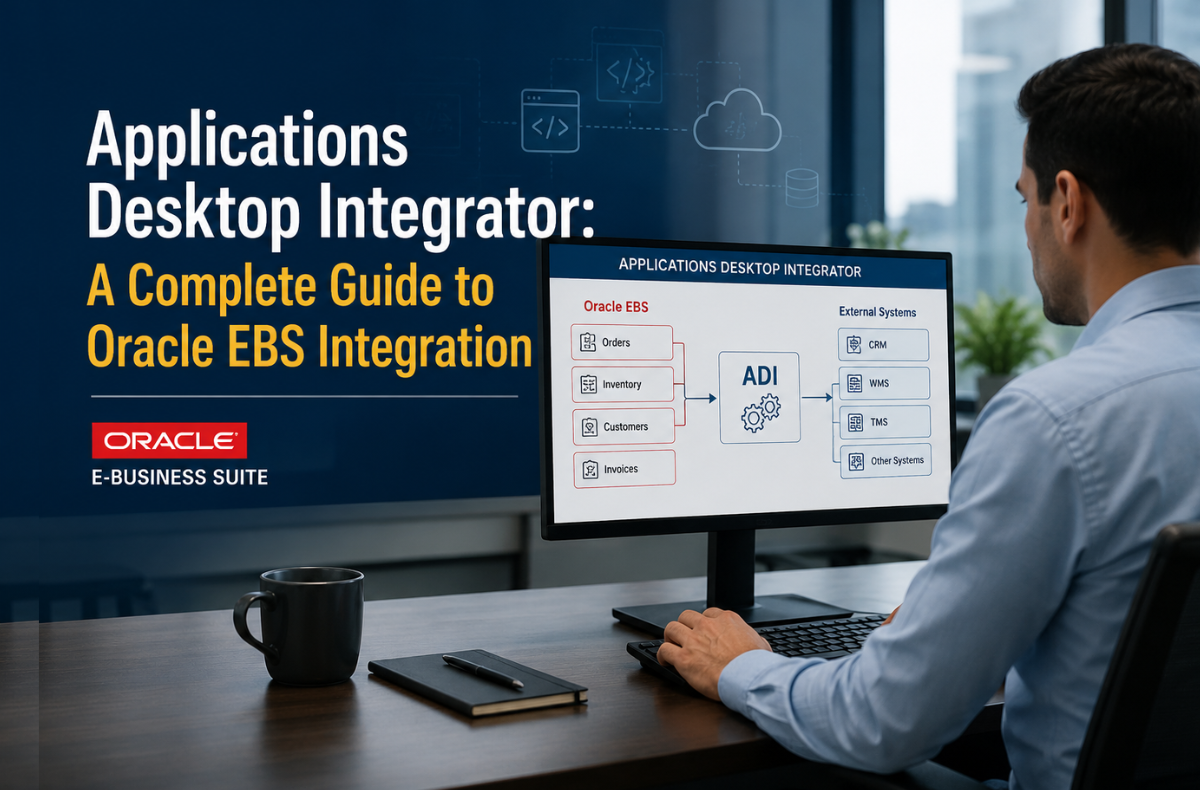
Enterprise data management has always carried a tension: powerful back-end systems on one side, everyday desktop tools on the other. Oracle resolved that tension with the applications desktop integrator, a browser-based bridge that puts Oracle E-Business Suite data directly into Microsoft Excel, where finance teams, HR professionals, and supply chain managers already spend their working hours.
This guide covers everything an Oracle EBS user or administrator needs to know about the web applications desktop integrator, from core architecture and configuration to best practices, version history, and troubleshooting. Whether searching for an application’s desktop integration tutorial, preparing an Oracle Web ADI implementation guide, or evaluating the Oracle e-Business Suite desktop integration framework for the first time, this resource provides the specific, actionable details you need to move forward.
Key Takeaways
- The application desktop integrator connects Oracle EBS to Microsoft Office tools such as Excel, enabling efficient data management.
- Users can download, edit, and upload data while validating entries against live EBS business rules, streamlining workflows.
- Best practices for Oracle EBS data uploads using the application’s desktop integrator emphasize ensuring data integrity and macro security settings.
- Organizations can create custom integrators for unique processes not covered by standard EBS integrators, enhancing functionality.
- Web ADI supports transactional uploads but is not designed for mass data loading, thus ensuring optimal performance.
What is Oracle E-Business Suite (EBS)?
The Oracle EBS Platform at a Glance
Oracle E-Business Suite is an integrated suite of enterprise applications covering financial management, human capital management, supply chain, and customer relationship management. Its multi-tier architecture distributes processing across three layers:
| Tier | Role |
|---|---|
| Desktop Tier | Client interface via HTML or Java applet in a web browser |
| Application Tier | Middle-tier hosting, Forms, Web services, and Concurrent processing servers |
| Database Tier | The Oracle database stores all system data, tables, and indexes |
Key Modules in Oracle EBS
Financial Management
General Ledger, Payables, Receivables, Cash Management, and Property Management, all connected through a unified data model that eliminates manual reconciliation between systems.
Human Capital Management
Covers the full employee lifecycle: recruiting, onboarding, benefits, payroll, and performance management.
Supply Chain Management
Procurement, Order Management, Inventory, Logistics, and Manufacturing modules that optimize the procure-to-pay and order-to-cash cycles.
Customer Relationship Management
Field Service, Customer Support, and Service Contracts modules that manage the end-to-end post-sale customer experience.
Core Benefits of Oracle EBS
- Scalability and Flexibility: Adapts workflows and permissions as the organization grows.
- Unified Data Model: A single data layer reduces silos and promotes consistency across all modules.
- Business Intelligence and Reporting: Prebuilt KPI dashboards and reporting tools enable data-driven decision-making.
- Compliance and Security: Audit trails, role-based access controls, and segment security rules meet regulatory requirements.
- Globalization Support: Multi-currency processing, localized reporting, and built-in international compliance.

What is Oracle Web Applications Desktop Integrator (Web ADI)?
Defining the Applications Desktop Integrator
The Oracle Web Applications Desktop Integrator, commonly called Web ADI or the ADI Application Desktop Integrator, is a browser-based integration layer that connects Oracle EBS with Microsoft Excel, Word, and Project, enabling cloud-connected data exchange between enterprise applications. It allows users to create formatted spreadsheets, download EBS data into those spreadsheets, edit records locally, validate entries against live EBS business rules, and upload the results back to Oracle EBS.
The application desktop integrator requires no client-side installation. Users need only a supported web browser and a compatible version of Microsoft Excel. All integration logic runs centrally on the EBS application tier.
How Web ADI Integrates with Microsoft Office
Excel Integration: Download, Edit, Validate, and Upload
The primary use case for uploading Oracle EBS data via Web ADI runs through Excel. Users:
- Define or select a layout that determines which EBS fields appear in the spreadsheet.
- Generate the document, either blank or pre-populated from EBS or a text file.
- Enter or modify data using standard Excel operations: copy, paste, autofill, and formulas.
- Validate entries against EBS business rules, key flexfields, descriptive flexfields, and cross-validation rules before any data touches the database.
- Upload validated records directly to Oracle EBS.
Word and Project Integration
Beyond Excel, the web applications desktop integrator, or Web Adi, supports Microsoft Word for document generation and Microsoft Project for project task and resource management, extending the same download-edit-validate-upload workflow across the Office suite.
Core Features and Capabilities
| Feature | Descrip |
|---|---|
| Familiar Interface | Standard Excel operations work natively — no new UI to learn |
| Data Validation | Validates against EBS business rules and flexfield rules before upload |
| Customizable Layouts | Control which fields appear, their positions, and default values |
| Automated Import | Pull data from EBS via SQL query, Java class, or text file |
| OOXML Support | Server-side spreadsheet creation was introduced in Release 12.2.5 |
| Digital Signatures | Authenticate macros via the BNE Enable Digital Signature profile option |
Technical Architecture: How the Desktop Integration Framework Works
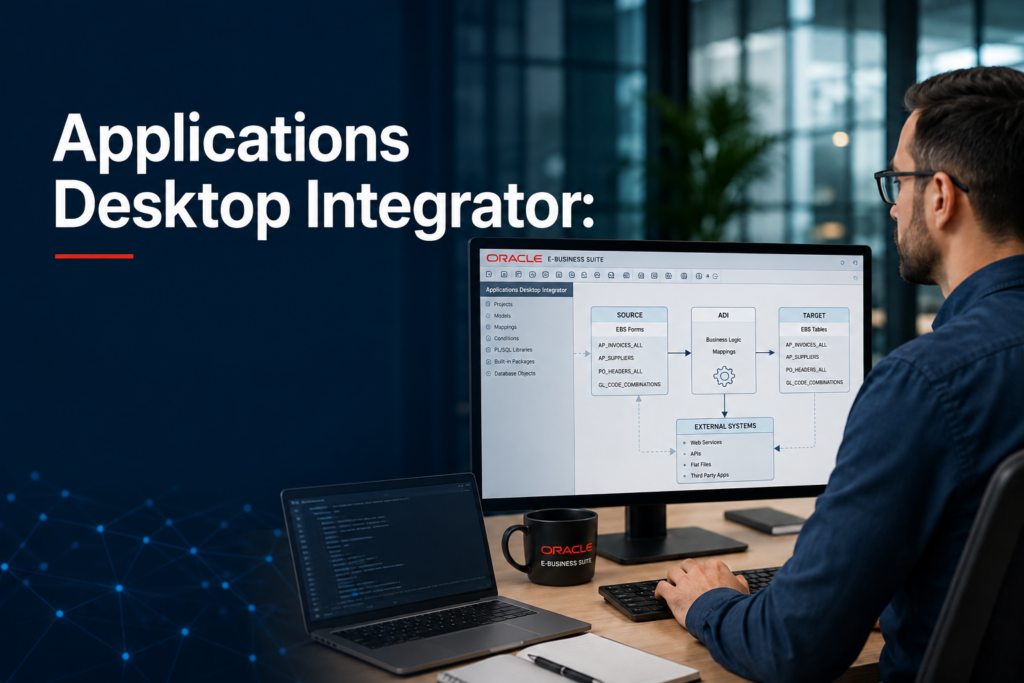
The Oracle e-business suite desktop integration framework uses a metadata-driven architecture. Developers define integrator metadata through a graphical interface; that metadata is stored in the Web ADI metadata repository. At runtime, integrator services use this metadata to manage data transfer between the desktop document and Oracle EBS.
This is not a traditional thick-client desktop application integration. The application development framework desktop integration (ADF DI) approach, also called application development framework desktop integration (ADFDI) in Oracle Fusion contexts, differs from Web ADI, but the underlying principle is the same: move data between a structured desktop document and an enterprise application using server-defined rules.
Client PC Prerequisites
| Requirement | Specification |
|---|---|
| Operating System | Windows (Vista through current supported releases) |
| Browser | Any Oracle EBS-supported web browser |
| Microsoft Excel | 2010, 2013, 2016, or Office 365 ProPlus (32-bit and 64-bit) |
| Optional | WinZip or 7-Zip for upload compression on non-OOXML configurations |
Practical Use Cases for the Applications Desktop Integrator
Financial Data Entry and Journal Adjustments
Finance teams use Oracle Web Adi spreadsheets to enter and adjust journal entries in bulk. Instead of navigating EBS form by form, an accountant downloads the General Ledger interface into Excel, makes corrections across hundreds of lines, validates entries against account combinations and period rules, and uploads the batch in a single operation.
Budgeting and Forecasting
Budget planners download actuals from EBS, apply forecast assumptions in Excel using familiar formulas, then upload revised budget lines back through the Oracle web ADI document upload process, maintaining auditability without leaving the spreadsheet environment.
HR Data Management
HR administrators use the application’s desktop integrator to load employee records, update compensation data, and manage position hierarchies, particularly during organization restructuring when bulk updates would otherwise require time-consuming manual EBS form entry.
Project Management Tasks
Project managers download task structures, resource assignments, and cost data into formatted Excel documents, update records locally, and upload changes back to Oracle Projects, all without requiring direct EBS form access for each record.
Implementing and Configuring Web ADI
Macro Security Settings: The First Configuration Step
Macro security is the most common barrier to a working Oracle Web ADI setup and configuration. Two approaches apply:
Unsigned Spreadsheets
- Set Excel macro security to “Disable all macros with notification”
- Enable “Trust access to the VBA project object model” (required unless OOXML is enabled)
Digitally Signed Spreadsheets
- Set the
BNE Enable Digital Signatureprofile option to “Yes” in Oracle EBS - Set Excel macro security to “Disable all macros except digitally signed macros”
- Enable “Trust access to the VBA project object model”
Starting with EBS Release 12.2.5, enabling the BNE: Enable OOXML Standard The profile option removes the requirement for access to the VBA project model entirely because OOXML spreadsheets are created server-side, bypassing desktop-side macro creation.
Key Profile Options in Oracle EBS for Web ADI
The following profile options directly control Oracle Web ADI Administration Guide functionality:
| Profile Option | Purpose | Recommended Setting |
|---|---|---|
BNE Enable Digital Signature | Enables macro authentication via digital signature | Yes (for higher security) |
FND: Enable BNE Table Integration | Enables “Export Table Data to Excel” icon in OAF pages | True |
BNE: Enable Simplified Create Document | Controls single-page vs. multi-page document creation flow | No (for multi-page flow) |
BNE: Enable OOXML Standard | Shifts spreadsheet creation to the server | Yes (default in R12.2.6+) |
BNE Upload Batch Size | Records sent to database per batch | 100 (range: 5–200) |
BNE Disable | Disables all Web ADI functionality | No |
Configuring Protected View in Excel
Excel’s Protected View can cause the application to hang or display unsafe location warnings when opening Web ADI spreadsheets. Two fixes apply:
- Recommended: Add the desktop download directory as a Trusted Location under
Options → Trust Center → Trust Center Settings → Trusted Locations - Alternative: Disable Protected View for files in potentially unsafe locations under
Options → Trust Center → Trust Center Settings → Protected View
Creating and Managing Integrators
Seeded vs. Custom Integrators
Oracle ships a set of seeded integrators that cover standard EBS processes, including General Ledger journal upload, budget loading, HR data entry, and more. When standard integrators do not cover a custom application or a specialized process, administrators can define custom integrators using the Desktop Integration Framework.
Defining Layouts in Oracle Web ADI
Oracle Web ADI layout creation determines which fields appear in the spreadsheet and how they are arranged. Three layout regions exist:
- Context: Read-only static information displayed at the top of the spreadsheet (e.g., ledger name, period).
- Header: Fields with identical values across all records, displayed below the Context region.
- Lines: Data rows where values vary per record; these are the rows uploaded to EBS.
Layout fields support five default value types:
| Default Type | Behavior |
|---|---|
| Constant | Static text value |
| Environment | References system variables (sysdate, database, oauser.id) |
| Parameter | References runtime document parameters |
| SQL | Runs a SQL statement using EBS context tokens |
| Formula | Uses Excel-compatible formulas referencing bracketed field names (e.g., [credit]+[debit]) |
Oracle Web ADI Integrator Definition
An Oracle Web ADI integrator definition consists of five components:
- Interface: Defines how data is uploaded (interface attributes = individual data columns)
- Content: Defines what data populates the document (SQL query, Java class, or text file)
- Uploader: Controls user options in the upload parameters window
- Importer: Manages how data moves from interface tables to base application tables (asynchronous request, synchronous request, or PL/SQL API)
- Layouts and Mappings: Optional metadata controlling field appearance and data source mapping
Defining Mappings
Oracle Web Adi layout creation is paired with a mapping definition. A mapping links columns from an imported data source to target columns in the spreadsheet. Mappings support ID translation, converting internal EBS ID values from the source into user-readable values in the spreadsheet, and allow multiple source columns to map to the same target column.
Best Practices for Oracle EBS Data Upload Using Web ADI
Transactional vs. Mass Data Uploads
The application’s desktop integrator is designed for transactional uploads, not mass data loading. Oracle has tested the framework up to 100,000 rows, but performance depends on desktop memory, processor speed, and the number of columns. For datasets larger than what the spreadsheet environment can handle efficiently, open interface tables with SQL*Loader or Oracle Data Integrator are the appropriate tools.
Desktop application integration testing should always include row volume testing at the upper range of expected data loads before moving to production.
Ensuring Data Integrity Before Upload
- Always validate data in the spreadsheet before uploading. Web ADI validates against EBS business rules, flexfield rules, and cross-validation rules at the client level before records touch the database.
- Use canonical date formats:
yyyy-MM-ddfor dates without time,yyyy-MM-dd HH:mm:ssfor dates with time. - Use a period (
.) as the decimal separator for numeric fields, no group separators.
Oracle Web ADI Troubleshooting: Common Issues
Oracle Web ADI troubleshooting typically surfaces in three areas:
| Issue | Root Cause | Fix |
|---|---|---|
| Run-time error ‘1004’ in Excel | VBA project model access not enabled | Enable “Trust access to the VBA project object model” |
| Run-time error ‘6068’ in Word | Same as above for Word | Same fix |
| Spreadsheet hangs on open | Protected View is blocking the download directory | Add download directory to Trusted Locations |
| Upload fails across instances | Secure document ID tied to source instance URL | Use host aliasing for cloned instances |
| Macros not running | Macro security set to “Disable all macros” | Set to “with notification” or use digital signatures |
Web ADI includes built-in diagnostic support through the Oracle Web ADI analyzer, and the Oracle Diagnostics Framework provides two key tests:
- WebADI Module Versions and Profile Values: Reports installed component versions and current profile option values
- WebADI Integrator Metadata: Reports metadata definitions for a specific integrator, including security rules, interfaces, layouts, and mappings
Oracle Web ADI Security and Permissions
Oracle Web ADI security and permissions are managed through EBS responsibilities and seeded functions. System administrators access all Web ADI functions through the Desktop Integration responsibility, which includes:
- Create Document (
BNE_ADI_CREATE_DOCUMENT) - Define Layout (
BNE_ADI_DEFINE_LAYOUT) - Define Mapping (
BNE_ADI_DEFINE_MAPPING) - Define Stylesheet (
BNE_ADI_DEFINE_STYLESHEET) - Setup Options
- Manage Document Links
End users access Web ADI either through background integration embedded in a product’s functional page flow, the most common method, or through a self-service menu item invoking the Create Document interface.
Version History and Compatibility
Release Timeline
| Release | Desktop Integration Notes |
|---|---|
| Release 11 / 11i | Client-server ADI (Version 7.2) supported |
| Release 12.0–12.1 | Web ADI fully replaces client-server ADI; client-server is not supported |
| Release 12.2 | OOXML support introduced (BNE: Enable OOXML Standard) |
| Release 12.2.5 | OOXML default enabled; VBA model access no longer required with OOXML |
| Release 12.2.6+ | OOXML enabled by default; maximum 1,048,000 rows in Excel 2010+ |
Oracle Web Applications Desktop Integrator 12.1 marked the full transition to internet-based deployment. Client-server Version 7.2, which required a local ADI installation, was supported only through Release 11i and is not supported in Release 12 or later.
The Oracle E-Business Suite Desktop Integration Framework: Current State
The Oracle e-business suite desktop integration framework continues to evolve alongside Oracle EBS. The shift to OOXML in Release 12.2 represents the most significant architectural change, moving spreadsheet creation from the desktop to the server, reducing client-side resource consumption, and eliminating macro security friction for OOXML-enabled deployments.
Cross-instance document uploads remain unsupported by design: the upload process relies on a secure document ID and the source instance URL. Uploading a document from one EBS instance to a separately-hosted instance fails without host aliasing to maintain a matching URL.

Make the Applications Desktop Integrator Work for Your Organization
The application’s desktop integrator solves a real operational problem: enterprise data lives in Oracle EBS, but the people who manage that data- accountants, HR managers, and project coordinators- work in Excel. Web ADI closes that gap without forcing users to learn new interfaces or administrators to deploy thick-client software across every workstation.
The path forward is clear. Confirm client prerequisites, configure macro security settings for the target Excel version, set the relevant BNE profile options, and define or review seeded integrators for the processes that matter most. Organizations on Release 12.2.5 or later should enable OOXML by default; the server-side processing reduces setup friction and improves performance at scale.
For teams building custom workflows, the application desktop integrator framework supports fully custom integrators with defined interfaces, layouts, mappings, and importers. The application’s desktop integrator user guide from Oracle and the Oracle Web ADI Administration Guide provide the reference details for each configuration component.
The fully integrated desktop application experience Web ADI delivers- a familiar Excel interface, live EBS validation, and bulk upload capability- removes the manual rekeying and reconciliation work that consumes hours in organizations that rely on manual data entry. That time goes back to analysis, not data entry.
FAQs
Web ADI lets users download, edit, and upload Oracle EBS data directly within Microsoft Excel, without any client-side installation beyond a browser and Excel. Data validates against live EBS business rules before upload, reducing errors. Bulk entry that would require hours of form-by-form data entry in EBS completes in a single upload operation.
Web ADI supports transactional uploads and has been tested to 100,000 rows. It is not designed for mass data loading. For datasets exceeding transactional volumes, Oracle recommends evaluating open interface tables loaded via SQL*Loader or Oracle Data Integrator.
A supported version of Windows, a web browser supported by Oracle EBS, and Microsoft Excel 2010 or later (32-bit or 64-bit). No Oracle-specific software installs on the client machine. For non-OOXML configurations, WinZip or 7-Zip supports compression during upload.
Yes. The Oracle E-Business Suite Desktop Integration Framework provides a graphical interface for defining custom integrators, including interfaces, content, uploaders, importers, layouts, and mappings, for processes not covered by Oracle’s seeded integrators or for entirely custom EBS applications.
Web ADI uses a secure document ID tied to the source EBS instance URL to authenticate uploads. Digital signature support, enabled through the BNE Enable Digital Signature profile option, authenticates the macro code embedded in spreadsheets. Single Sign-On (SSO) is supported natively in SSO-enabled EBS environments with no additional configuration required.