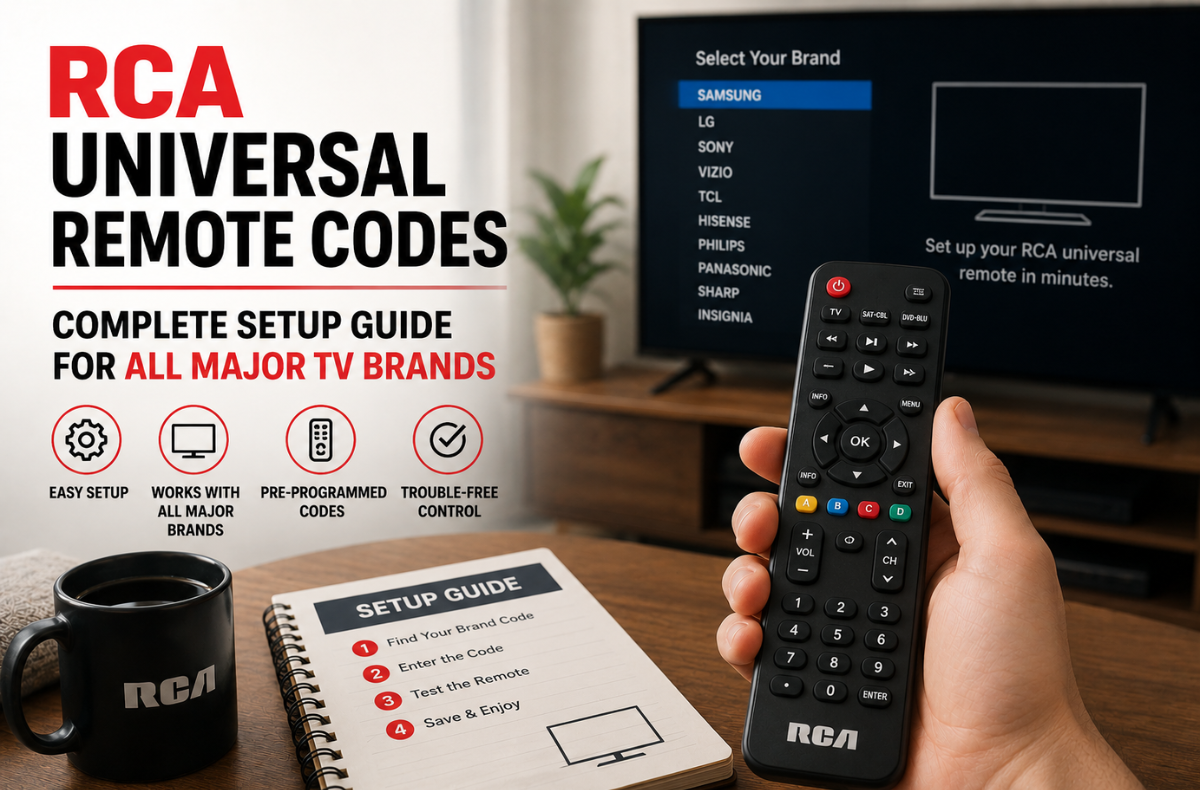
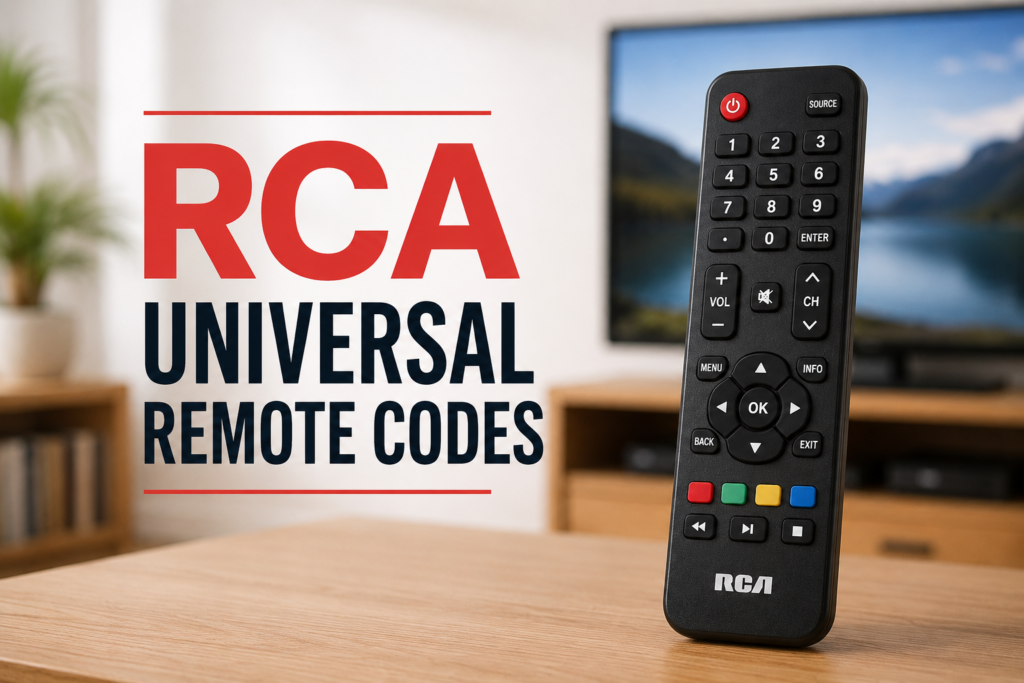
The RCA universal remote control is a widely recognized remote that can control multiple devices from a single handheld remote. If you have lost the original remote for your TV or want to reduce clutter, this is a super simple way to control your TV, soundbar, and other devices. To use it, you’d need the correct RCA universal remote codes for your TV’s brand and model.
RCA remotes vary by model and brand, with codes of 3, 4, or 5-digits. One of the more common pairing problems is the incorrect coding format, especially with newer smart TVs. This guide provides the latest programming codes for the RCA universal remote for Samsung, LG, Sony, Vizio, TCL, Hisense, Insignia, and Panasonic, along with setup and troubleshooting instructions.
Key Takeaways
- The RCA universal remote control can operate multiple devices with the correct codes for each brand.
- This guide details 3, 4, and 5-digit RCA universal remote codes and programming methods for various TV brands.
- Users can program the RCA universal remote via direct entry, brand code search, or auto code search methods.
- The article lists specific working codes for popular brands such as Samsung, LG, Sony, and Vizio.
- Troubleshooting tips are included for common issues with the RCA universal remote to ensure it operates effectively.
Table of Contents
- Understanding RCA Universal Remote Codes and Formats
- How to Program RCA Universal Remote: Three Proven Methods
- RCA Universal Remote Codes by Brand
- 3-Digit Codes for Legacy RCA Remotes
- RCA Universal Remote Codes for Other Devices
- RCA Universal Remote Pairing Instructions
- How to Find RCA Universal Remote Codes
- Troubleshooting Common RCA Remote Issues
- Conclusion
- FAQs
Understanding RCA Universal Remote Codes and Formats
RCA universal remote codes are short numeric codes that pair the remote with a particular brand. Each brand has its own code; your remote transmits the correct code to your TV, soundbar, or DVD player via infrared or Bluetooth.
There are three common code RCA remote control universal formats:
- 3-digit codes: Used on older RCU300, RCU410, and RCU500 series remotes, generally made before 2010.
- 4-digit codes: The most common format. Applies to RCR412B, RCR804BR, RCRH02BR, and similar models.
- 5-digit codes: These codes are required with newer remotes (R3F802, R271U1, R341U1, 26211 series) and with most smart TVs since 2018.
If 5 digits are needed for your remote but only 4 are entered, pairing will not occur. Before entering any code, RCA universal remote control command, always find out the format by reading your remote’s manual or checking its model number.
How to Program RCA Universal Remote: Three Proven Methods
Below is the official RCA universal remote setup guide with three proven techniques. Try the following sequence: first, direct entry, then, by brand if you have one, then, auto search.
Method 1: Direct Code Entry
If the correct RCA universal remote codes are known, the direct-entry method is the quickest and most reliable. This method works better if an RCA universal remote program code is used directly from the brand-specific tables.
- Manually switch on the device with the power button.
- Hold the device button (TV, DVD, AUX) on the remote down until the indicator light stays on.
- Enter the brand-specific code from the tables below using the number pad.
- The indicator light turns off if the code is accepted. A flashing light indicates rejection and requires a different code.
- Test functionality using power, volume, and channel controls.
Method 2: Brand Code Search
The RCA universal remote code search method through brand cycling is useful when the device brand is known, but the specific code is not.
- Power on the target device and stay within 10 feet of the screen.
- Press and hold the device button until the indicator light becomes solid.
- Press the Power button once to begin cycling through codes.
- Press Channel Up repeatedly to advance through stored codes.
- When the device powers off, press OK or Enter to lock the working code.
Method 3: Auto Code Search
The auto code search for RCA universal remote devices scans the full code library and works for unknown brands or older equipment.
- Switch on the device and position the remote within 10 feet of it.
- Hold the device button until the indicator light is solid.
- Press Power to start the automatic scan.
- The remote cycles through every stored code in sequence.
- Press OK or Enter immediately when the device turns off to save the code.
RCA Universal Remote Codes by Brand
Here is the complete universal RCA remote code list for the most common television brands across all major remote generations, including RCA universal remote codes (4-digit) and RCA universal remote codes (5-digit).
RCA Remote Codes for Samsung TV
For the Samsung TV, the best codes for the RCA TV universal remote are 10812 (5 digits) and 0812 (4 digits). If these don’t work for your specific model, use the complete list below.
| Remote Model | Working Codes |
|---|---|
| RCR804BR, RCRH02BR (4-digit) | 0812, 1632, 0702, 0060, 0178, 0650, 2051, 3382, 0766, 3993, 1060, 1959, 0030, 3118, 0814 |
| R3F802, 26211 (5-digit V1) | 10812, 12051, 11632, 10702, 10060, 11959, 10178, 10766, 11060, 15386, 10650, 13382 |
| R271U1, R271U2 (5-digit V2) | 21818, 97817, 77114, 79113, 16616, 36218, 66611 |
| R341U1 (5-digit V3) | 43311, 94818, 38811 |
RCA Remote Codes for LG TV
The best RCA universal remote codes for LG TV are 11423 (5-digit) and 1423 (4-digit), which work with most LG OLED, NanoCell, and webOS smart TVs.
| Remote Model | Working Codes |
|---|---|
| RCR804BR, RCRH02BR (4-digit) | 1423, 1840, 1756, 0178, 1447, 0017, 2731, 4398, 1860, 0885, 2358, 0700, 3183, 4397, 0856, 2424 |
| R3F802, 26211 (5-digit V1) | 11423, 11840, 12731, 14398, 10178, 11756, 11447, 11860, 11178, 10017, 14397, 12358, 12434, 10885, 12424, 11265 |
| R271U1, R271U2 (5-digit V2) | 31311, 52412, 63913 |
| R341U1 (5-digit V3) | 38312, 47312, 58813 |
RCA Remote Codes for Sony TV
Sony TV uses remote codes 10810 (5-digit) and 0810 (4-digit) for its most common Sony Bravia and Google TV models.
| Remote Model | Working Codes |
|---|---|
| RCR804BR, RCRH02BR (4-digit) | 0810, 0000, 1685, 0001, 1300, 4448, 2778, 4189, 0834, 2337, 1317, 1712, 1791, 1925 |
| R3F802, 26211 (5-digit V1) | 10810, 12778, 10000, 11685, 14448, 11791, 14189, 11300, 11317, 12337, 11712, 10001, 11925 |
| R271U1, R271U2 (5-digit V2) | 31912, 89616, 41112 |
| R341U1 (5-digit V3) | 26411, 44613, 33211 |
RCA Remote Codes for Vizio TV
The best VIZIO universal remote codes for the RCA remote control are 11758 (5-digit) and 1758 (4-digit), which work with most Vizio SmartCast and D-Series televisions.
| Remote Model | Working Codes |
|---|---|
| RCR804BR, RCRH02BR (4-digit) | 1758, 3758, 0864, 2512, 2757, 0885, 1756, 2707, 3415, 1499, 2247 |
| R3F802, 26211 (5-digit V1) | 11758, 13758, 12707, 14905, 11756, 14723, 12757, 12512, 10864, 13415, 10885, 15454, 12247 |
| R271U1, R271U2 (5-digit V2) | 35011, 40412, 80016, 20111 |
| R341U1 (5-digit V3) | 22111, 28911, 51914, 34112 |
RCA Remote Codes for TCL and Roku TVs
The main universal remote control codes for RCA, TCL, and Roku TVs are 4398 (4-digit) or 14398 (5-digit). Universal remote codes for smart TVs work with TCL Roku TVs, Google TVs, and most third-party Roku TVs.
| Remote Model | Working Codes |
|---|---|
| RCR804BR, RCRH02BR (4-digit) | 4398, 2434, 1756, 3183, 0885, 2049, 3879, 0706, 2293, 2429, 0047, 0898, 3426, 3847, 2414, 4178 |
| R3F802, 26211 (5-digit V1) | 14398, 11756, 12434, 15213, 10885, 13183, 12049, 10463, 11463, 11547, 11247, 10818, 13879, 11564, 13078, 15446 |
| R271U1, R271U2 (5-digit V2) | 80313, 36711, 44211, 57513, 15919, 44411, 81017, 68014 |
| R341U1 (5-digit V3) | 78913, 61514, 84416, 33012, 95017, 57011, 21012, 06918 |
RCA Remote Codes for Hisense TV
The top Hisense RCA remote universal remote codes are 13519 (5-digit) and 3519 (4-digit), which cover most Hisense ULED and Android TV models.
| Remote Model | Working Codes |
|---|---|
| RCR804BR, RCRH02BR (4-digit) | 3519, 0748, 1314, 0818, 1756, 4398, 2360, 1602, 2183, 4149, 2434, 2098, 0885, 0178, 1660, 3183 |
| R3F802, 26211 (5-digit V1) | 13519, 12183, 14740, 11756, 14618, 12434, 14398, 10748, 15156, 11314, 15213, 12098, 10818, 15185, 13794, 15176 |
| R271U1, R271U2 (5-digit V2) | 35611, 44211, 67614, 55712, 78115, 65014, 42113, 59413 |
| R341U1 (5-digit V3) | 39812, 61514, 31612, 72015, 42113, 56013, 56614, 39011 |
RCA Remote Codes for Insignia TV and Fire TV Models
The top Insignia program codes for the RCA universal remote are 12049 (5-digit) and 2049 (4-digit), which cover most Insignia LED and Fire TV Edition models.
| Remote Model | Working Codes |
|---|---|
| RCR804BR, RCRH02BR (4-digit) | 2049, 1423, 1756, 4487, 4398, 1780, 1564, 2434, 0885, 3227, 1326, 0706, 0171, 3183, 0463, 1517 |
| R3F802, 26211 (5-digit V1) | 12049, 11423, 15213, 11756, 11564, 14487, 12434, 11780, 11326, 13227, 11641, 11710, 12184, 11785, 14398, 11892 |
| R271U1, R271U2 (5-digit V2) | 28911, 12219, 49412, 28511, 44211, 06919, 07216, 69212 |
| R341U1 (5-digit V3) | 68515, 22011, 57513, 47913, 61514, 36412, 40211, 64713 |
RCA Remote Codes for Panasonic TV
The top Panasonic codes for the RCA remote universal are 11291 (5-digit) and 1291 (4-digit), compatible with most Panasonic Viera and LED models.
| Remote Model | Working Codes |
|---|---|
| RCR804BR, RCRH02BR (4-digit) | 1291, 0250, 1480, 0051, 1636, 0650, 0156, 1271, 1941, 1946, 1457, 1947, 0178, 1927, 0054, 2264 |
| R3F802, 26211 (5-digit V1) | 11291, 11480, 11636, 10650, 10051, 10250, 11927, 11924, 11941, 10047, 10156, 11271, 10054, 10060, 11457, 11946 |
| R271U1, R271U2 (5-digit V2) | 39011, 39811, 51913, 60513, 79515 |
| R341U1 (5-digit V3) | 06919, 28511, 39512, 63913, 40413 |
3-Digit Codes for Legacy RCA Remotes
The 3-digit program codes for an RCA universal remote are only valid for older remote models, such as the RCU300, RCU310, RCU410, RCU500, and RCU404 series. If you are a user of newer brands such as Hisense, Roku, or Fire TV, refer to the 4- or 5-digit tables above.
| Brand | Codes |
|---|---|
| Samsung | 004, 005, 006, 012, 013, 015, 017, 019, 082, 104, 105, 106, 171, 172, 196, 201, 204 |
| LG | 004, 005, 082 |
| Sony | 002, 205, 216, 218 |
| Panasonic | 012, 013, 038, 086 |
| Insignia | 050, 069, 075, 080 |
| Vizio | 079 |
| Toshiba | 000, 016, 018, 021, 023, 040, 044, 048, 049, 052, 071, 077, 085, 090, 105, 109, 117, 118, 160, 161, 162, 190, 201 |
| TCL | 012, 070, 095, 131, 171, 216 |
RCA Universal Remote Codes for Other Devices
In addition to televisions, the RCA 4 device universal remote codes library covers VCRs, DVDs, Blu-ray devices, and soundbars. These universal remote codes for the RCA remote complete the typical home cinema configuration and are programmed in the same way as in the previously described method.
RCA Universal Remote VCR Codes
| Brand | VCR Codes |
|---|---|
| RCA | 000, 001, 002, 003, 004 |
| Samsung | 025, 026, 027, 028 |
| Sony | 010, 011, 012, 013 |
| Panasonic | 020, 021, 022, 023 |
| JVC | 030, 031, 032, 033 |
| Toshiba | 040, 041, 042 |
| LG / GoldStar | 070, 071, 072 |
| Magnavox | 080, 081, 082 |
| Philips | 083, 084, 085 |
The RCA Universal Remote Codes for DVD and Blu-ray
| Brand | DVD/Blu-ray Codes |
|---|---|
| RCA | 011, 012, 013, 014 |
| Samsung | 105, 106, 107, 108 |
| Sony | 041, 042, 043, 044 |
| Panasonic | 071, 072, 073, 074 |
| JVC | 089, 090, 091 |
| Toshiba | 060, 061, 062, 063 |
| LG | 116, 117, 118, 119 |
| Philips | 054, 055, 056 |
| Magnavox | 057, 058, 059 |
RCA Universal Remote Codes for Soundbar
| Brand | Soundbar Codes |
|---|---|
| Samsung | 0660, 0661, 0662, 0663 |
| Sony | 0682, 0683, 0684 |
| LG | 0671, 0672, 0673 |
| Vizio | 0675, 0676, 0677 |
| Bose | 0693, 0694, 0695 |
| Philips | 0720, 0721, 0722 |
| Panasonic | 0730, 0731, 0732 |
| Sharp | 0740, 0741, 0742 |
| Roku | 0780, 0781, 0782 |
RCA Universal Remote Pairing Instructions
Programming codes for the RCA universal remote setup will vary depending on whether your remote is IR or Bluetooth. IR remotes must be in line of sight, but Bluetooth remotes must be paired in the TV settings.
1. Infrared (IR) Setup
IR remotes require a clear line of sight to the device’s sensor and will only work from about 15 feet away. The setup is usually done with the remote away from windows to improve signal transmission in strong ambient light, including direct sunlight. Most remotes for old Sony TVs are only infrared-responsive.
2. Bluetooth and Hybrid Remote Pairing
RCA remotes connect via Bluetooth instead of IR signals via the TV’s Bluetooth menu.
- Turn on Bluetooth discovery mode from the TV settings menu.
- Hold the pair button on the remote for 5 seconds.
- Please verify the connection with the on-screen message.
- When pairing fails, turn off the batteries for 30 seconds and pair again.
How to Find RCA Universal Remote Codes
If your TV isn’t listed in the code book, here are some smart tips to help you figure out your Remote control codes for RCA universal remotes.
- Check RCA’s official, remote code lookup tool at rca.com/customer-support.
- For an auto-code search for the RCA universal remote, use the method above.
- Read your remote’s printed manual.
- Find the exact model number (usually inside the battery compartment on your remote) and Google “model number code list.
- For TVs of any brand, consult the manufacturer’s website for compatible codes, especially for RCA remote controls.
Troubleshooting Common RCA Remote Issues
Sometimes, even with the correct codes for the RCA universal remote, it may not work. Try these fixes:
- Corroded battery contacts: Clean the contacts gently with a cotton swab and rubbing alcohol, then install fresh batteries.
- Dim indicator light: Replace the batteries immediately, since even new batteries purchased from discount retailers can arrive with a low charge.
- No response to any code: Reset the remote by removing the batteries, holding the Power button for 30 seconds, and then reinserting fresh batteries.
- Partial button functionality: The code is correct, but not optimal. Try the next code in the same brand list for full feature support.
- Smart TV ignores all signals: The device may require Bluetooth pairing instead of IR. Use the manufacturer’s mobile app as an alternative or access the TV’s Bluetooth settings menu.
If you find RCA universal remote codes that work but are slow to respond, this is typically a battery problem, not a programming issue.
Conclusion
Pairing your RCA universal remote no longer has to be a guessing game. By using this updated RCA universal remote codes list, you can easily sync the remote with any TV brand. From Samsung’s to LG’s, Vizio’s, Insignia’s, and newer smart TVs, the correct RCA TV codes for a universal remote are within reach. The 4-digit and 5-digit options provide flexibility for both old and new RCA remote models.
If the first code doesn’t work, try other universal remote codes or use a code search. Programming an RCA universal remote with a code is a simple, one-time process that will provide years of convenience. Save a copy of this guide for future reference in case you need to reset or program the remote. Control all your home entertainment systems, all from one remote.
FAQs
For RCA universal remote manual codes, always try 5-digit codes first on newer RCA remotes. For Samsung, start with 10812; for LG, try 11423; for Vizio, use 11758. If those fail, move to the auto code search.
If your RCA remote isn’t working or saving codes, remove the batteries and hold the Power button for 30–60 seconds. Then insert fresh batteries and reprogram using RCA universal remote codes.
Yes, but only for simple operations like power, volume, and input switching. For navigation, voice search, or launching an app, the remote control or a manufacturer’s app is required; they’re Bluetooth- or Wi-Fi-based, not IR-based.
Usually 6-12 months of regular use. Alkaline batteries are the longest-lasting. Before reprogramming, if the LED is dim or the remote is unresponsive, replace the batteries. Most problems that appear to be code are actually low-battery issues.
For RCA universal remote codes, check the model number inside the battery compartment and look it up in your remote’s manual. Older remotes generally have 3-digit codes; most standard remotes have 4-digit codes; and remotes made after 2018 often have 5-digit codes.