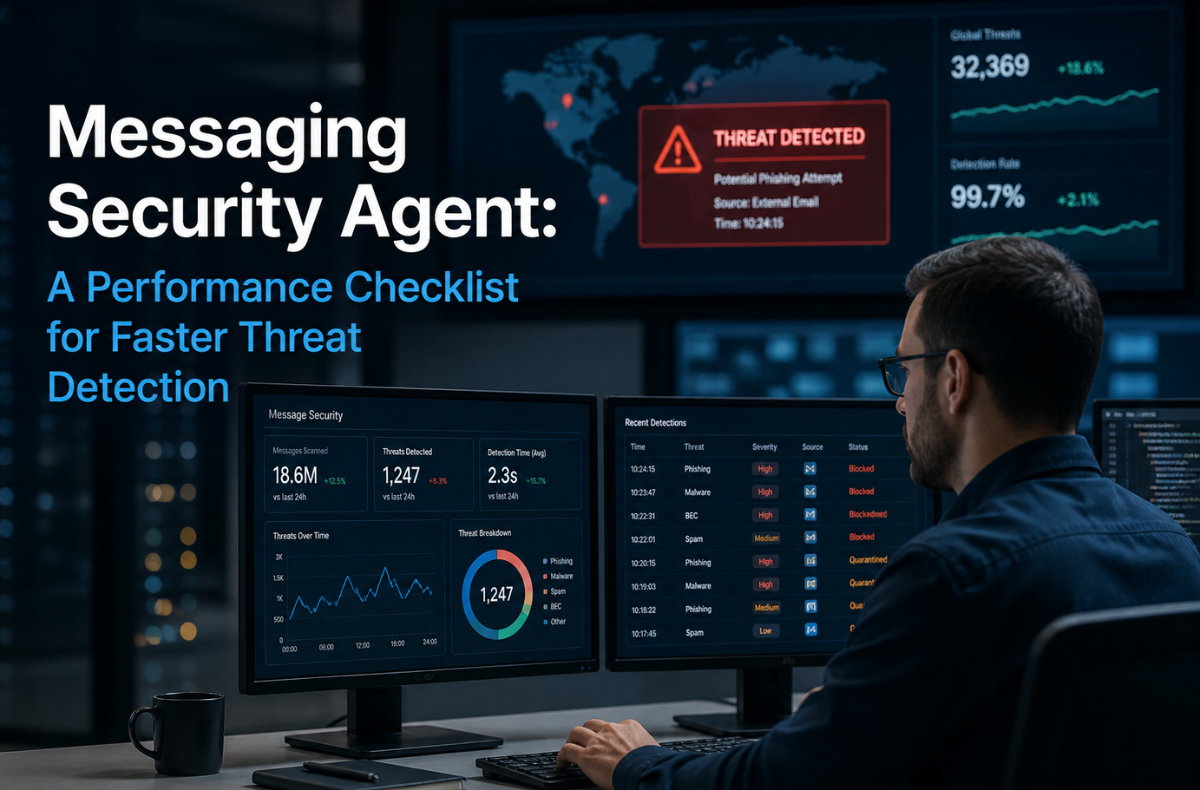
Cyber threats rarely arrive with warning, and in most organizations, email and messaging systems remain the easiest entry point. A well-configured Messaging Security Agent plays a critical role on the front line, scanning traffic in real time, identifying malicious patterns, and stopping attacks before they reach users or spread across the network.
The challenge is not just having a security layer in place. It is assuring that it performs at the speed and accuracy modern threat landscapes demand. Phishing campaigns, zero-day exploits, and file-based malware now evolve within minutes, often bypassing poorly optimized defenses. In this environment, even small delays in detection can lead to significant data exposure or operational disruption.
That is where performance optimization becomes essential. A Messaging Security Agent must be tuned to reduce latency, improve detection precision, and respond instantly to suspicious activity. From scanning setup to threat intelligence integration, each component directly impacts how quickly risks are identified and contained.
This guide provides a practical, performance-focused checklist to help you refine your Messaging Security Agent for faster threat detection. Whether you are managing a Microsoft Exchange environment or a broader enterprise messaging system, the goal is simple: strengthen your defenses, reduce response time, and maintain continuous protection without flexible system efficiency.
Key Takeaways
- Cyber threats often exploit email systems; therefore, a well-configured Messaging Security Agent is essential for real-time threat detection.
- Optimization focuses on reducing latency and improving detection precision to counter evolving cyber attacks.
- Employ strategies such as AI-driven behavioral analytics and streamline alert management to enhance your detection capabilities.
- Seamless integration with other security tools is crucial for visibility and effective incident response.
- Regular audits and employee training improve security effectiveness and help maintain compliance with standards like ISO 27001.
Table of Contents
Master Your Messaging Security Agent
A messaging security agent filters incoming and outgoing traffic. It blocks spam, stops malware, and identifies phishing attempts. Real-time email scanning solutions review attachments and links before they reach the inbox.
Here are the key components of effective agents.
Your messaging security agent relies on several core components:
- Signature-based detection: Scans for known malware patterns. Anti-malware email screening systems use these signatures to stop familiar threats.
- Anomaly-based detection: Flags unusual behavior.
- Behavioral analysis: Uses artificial intelligence to spot subtle variations.
- Threat intelligence integration: Checks traffic against known malicious IP addresses. Threat intelligence in email security automatically keeps the security agent up to date.
Your Messaging Security Agent Performance Checklist
Use this checklist for messaging security agent performance optimization. Speed up your email threat detection speed improvement and shut down attacks early.
Streamline Alert Management
Cut through the noise. Too many alerts cause fatigue.
- Reduce false positives automatically: Here, set up your messaging security agent to filter out harmless anomalies. Focus on genuine threats.
- Prioritize high-fidelity alerts: Set rules to flag critical events first.
Enhance Your Detection Capabilities
Find hidden threats faster.
- Use AI behavioral analytics: Spot subtle anomalies with AI-powered security tools.
- Monitor user behavior: Catch insider threats early.
- Track behavioral indicators: Look for context-aware clues. Phishing detection in email security agents relies heavily on these indicators.
Ensure Seamless Integration
Connect your tools. Endpoint and messaging security integration gives you better visibility across the network.
- Connect to your security stack: Integrate your security agent with your SIEM and EDR platforms. Secure email gateway vs messaging security agent comparisons often favor agents that integrate easily.
- Speed up deployment: Use pre-configured templates for your Microsoft Exchange security agent setup.
- Adapt to changing threats: Keep your security agent flexible.
Automate for Efficiency
Reduce manual work. Process automation lets your team focus on active threats.
- Automate repetitive tasks: Let your messaging security agent handle basic adjustments.
- Accelerate investigations: Use automated workflows to speed incident response to email-based attacks.
Select the Right Vendor
Choose a provider that proves value early. Look for the best tools for email threat detection in 2026. Prioritize active support and advanced threat hunting capabilities.
Secure your AI-powered Messaging Security Agent
Artificial intelligence enhances your messaging security agent, but it requires strict controls.
Data Security and Privacy Controls
Protect your sensitive information. Apply encryption and strict access controls. Maintain compliance with email security compliance standards (ISO 27001, SOC 2). Ensure data loss prevention in email systems remains active at all times.
Access Management and Authentication
Restrict who can alter your messaging security agent.
- Require MFA: Enforce multi-factor authentication for all administrators.
- Use role-based access: Give staff only the permissions they need.
System Monitoring and Anomaly Detection
Watch your AI. Track all AI activities within your messaging security agent. Set up real-time alerts for variations. Consistent email security monitoring and logging keep your environment safe.
Incident Response and Emergency Protocols
Plan for the worst. Create clear plans for control. Identify key contacts. Execute cyber threat reduction in messaging systems without delay.

Apply Email Security Best Practices for Enterprises
Keep your defenses sharp. Follow these enterprise email protection strategies to maintain top performance.
- Conduct regular audits: Review your messaging security agent environments monthly. Implement email server security setting techniques.
- Train your team: Update your staff on zero-day email threat detection methods.
- Leverage threat feeds: Feed external data into your security agent.
- Educate users: Teach employees to spot phishing attempts.
Track your Messaging Security Agent Impact
Review the numbers. Upgrading the security agent to get clear results.
Improved Incident Response Times
| Metric | Before Optimization | After Optimization |
|---|---|---|
| Time to Detect | 24 hours | 2 minutes |
| False Positive Rate | 45% | 5% |
| Incident Response | 72 hours | 1 hour |
Threat Detection Rates
| Threat Type | Detection Method | Success Rate |
|---|---|---|
| Phishing | AI Behavioral Analytics | 99.2% |
| Malware | Signature + Anomaly | 99.9% |
| Zero-Day | AI Sandbox | 98.5% |
Cloud email security solutions for businesses show massive improvements when paired with a tuned security agent. Spam filtering and email encryption tools also see higher success rates. A well-configured Trend Micro messaging security agent, for example, dramatically reduces response times.
Future-Proofing the Defenses
Prepare for tomorrow. Proactive threat exposure in email environments keeps you one step ahead of attackers. Continually update your messaging security agent to handle new attack vectors. Secure your network. Protect your data. Make your next money move safely.
FAQs
An AI-powered messaging security agent detects unknown threats by analyzing behavior patterns instead of relying solely on known signatures.
Review your messaging security agent layout monthly to ensure optimal speed for email threat protection.
Yes. A modern security agent uses behavioral analysis and sandboxing to catch zero-day threats before they enter your network.
Integration allows a security agent to share data with other security tools. This creates faster incident response and better visibility.
A security agent enforces security and tracks data movement. This helps you meet strict email security compliance standards (ISO 27001, SOC 2).