Finding a reliable free AI background remover is no longer just about speed; it’s about precision. In 2026, many tools can remove background AI in one click, but few can handle complex textures like hair. A truly professional AI image background remover should save you time while delivering studio-quality results without manual retouching.
2026 Review: Top 4 Free AI Background Remover Tools Compared
Here are the top remove background ai tools that are consistently delivering strong results in 2026.
1. Media.io – The Best All-in-One AI Image Background Remover
Media.io has established itself as the premier free AI background remover in 2026. It bridges the gap between speed and professional accuracy. While other tools may struggle with low-contrast edges, Media.io allows you to remove background ai with high-definition precision, making it an essential asset for video editors using Filmora to create high-quality overlays.
One thing that makes Media.io stand out is its flexibility. Whether you’re editing from a desktop, tablet, or mobile device, the workflow feels smooth without requiring advanced editing experience.
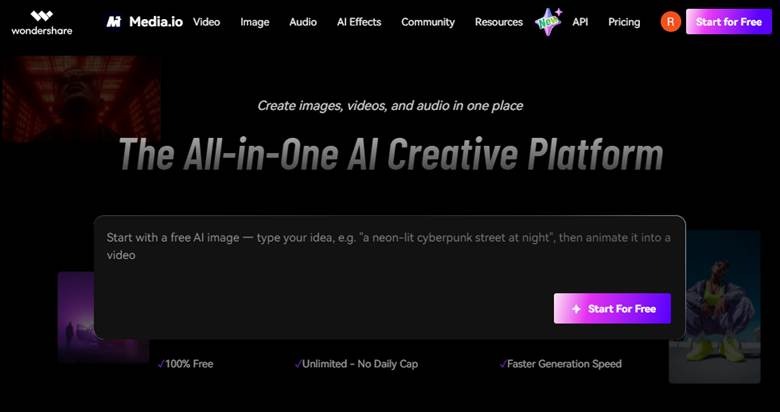
Key advantages include:
- Fast AI processing
- Better edge detection
- Cleaner handling of hair and fine details
- Beginner-friendly interface
- Consistent HD-quality results
- Mobile-compatible editing experience
Unlike many tools that leave rough outlines or blurry cutouts, Media.io focuses on producing more polished images with fewer corrections afterward.
How to Use Media.io
What makes Media.io even more useful is how simple the editing process feels, even for first-time users.
Here’s the step-by-step process to create a clean background image using Media.io:
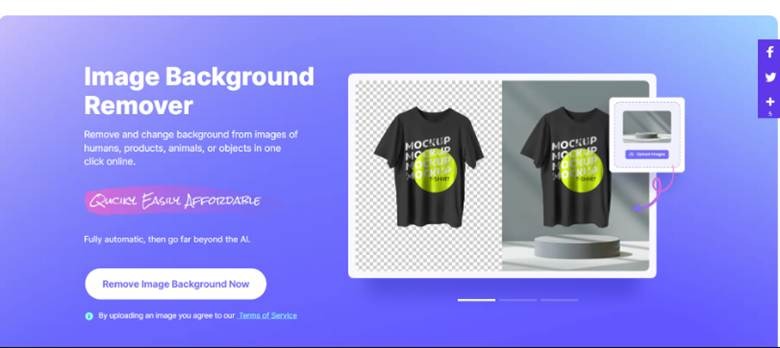
Step 1: Open Media.io
Go to your browser and open media.io. Then click on remove image background.
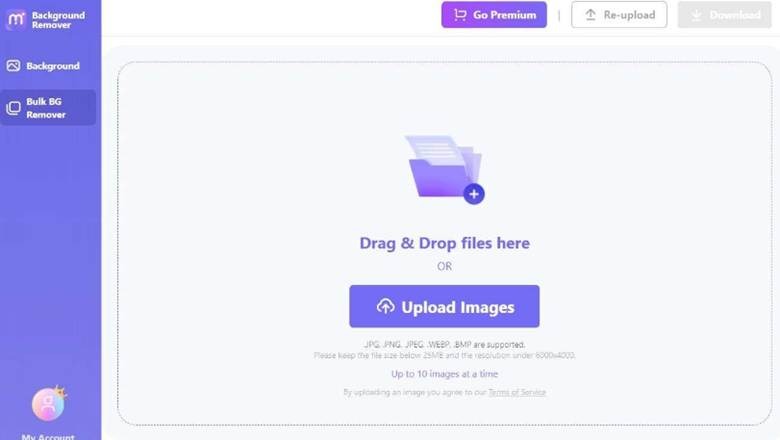
Step 2: Upload Your Image
Upload the picture you wish to edit. The tool supports different image formats and starts processing automatically after upload.
Step 3: Remove and Refine the Background
After that, media.io’s AI will instantly detect the subject and remove the background. You can adjust the background of the image in the options on the right side or upload your own photo as a new background.
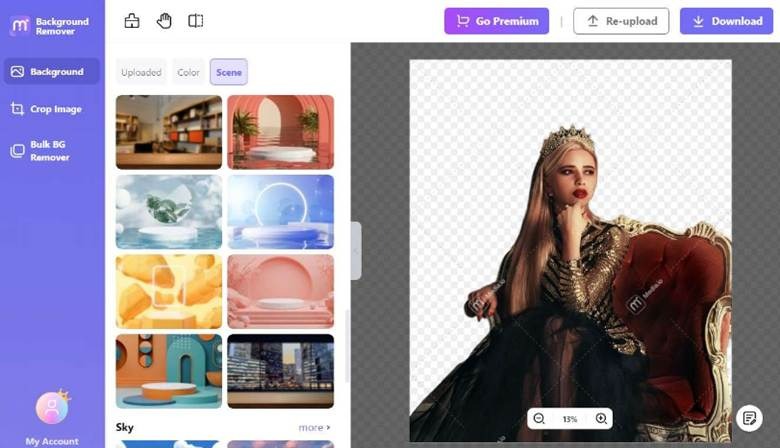
Step 4: Preview and Download
Once you’re satisfied with the final result, preview the transparent background image and download it in high quality for social media, product listings, or personal projects.
2. Remove.bg
If simplicity matters more than advanced editing controls, Remove.bg is another popular option worth considering.
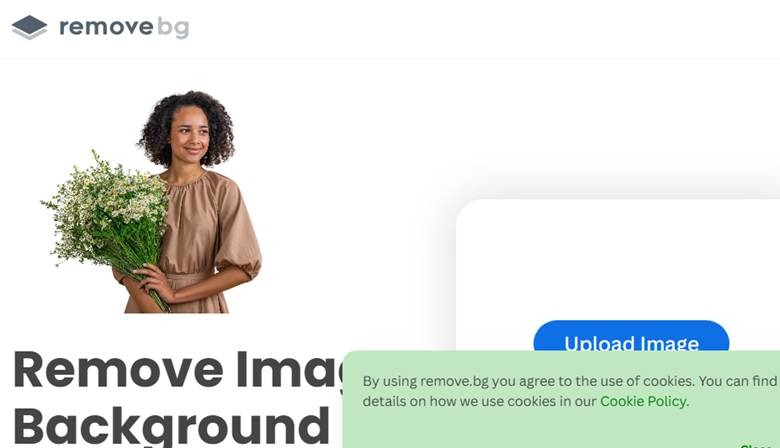
The platform became popular because:
- The interface is extremely simple
- Background removal feels quick
- Results work well for basic images
For casual users creating quick graphics or product cutouts, the tool performs reliably. However, more detailed images sometimes need extra adjustments, especially around hair and textured edges.
Best for:
- Quick edits
- Casual users
- Basic background removal tasks
3. Canva Background Remover
Some users need more than just background removal; they also want built-in design tools. That’s where Canva becomes useful.
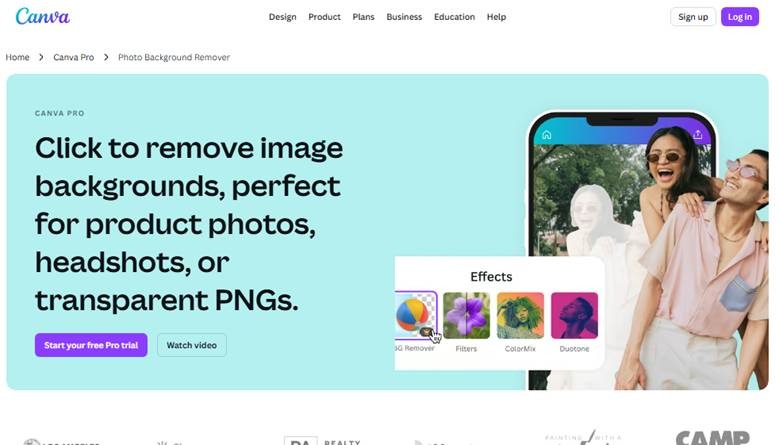
Since the background remover is integrated directly into Canva’s editing platform, users can:
- Remove backgrounds
- Add text and graphics
- Create social media posts
- Edit marketing visuals
This makes Canva especially convenient for creators who already design content regularly. While the AI performs well for general use, highly detailed subjects may still require refinement compared to more specialized AI tools.
Best for:
- Social media graphics
- Marketing visuals
- Design-focused workflows
4. Adobe Express Background Remover
Adobe Express benefits heavily from Adobe’s long-standing reputation in creative editing. The tool offers:
- Reliable processing
- Decent edge accuracy
- Smooth integration with Adobe products
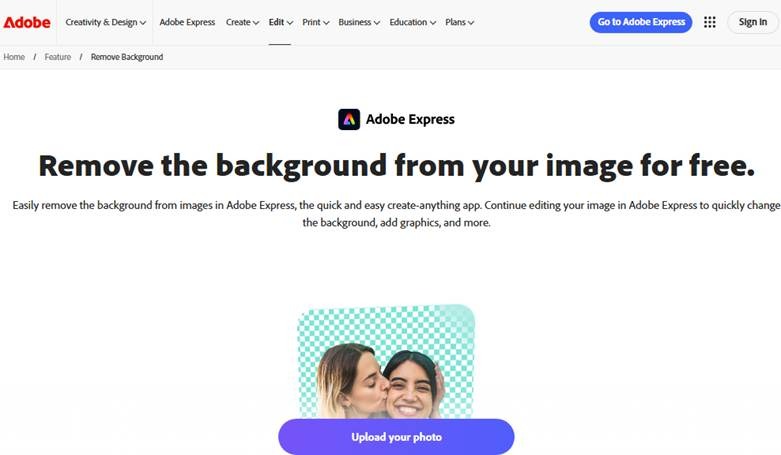
For users already familiar with Adobe’s ecosystem, the experience feels comfortable and professional. The results are generally clean, although some complex photos still require extra work to get the edges right.
Best for:
- Adobe users
- Branding content
- Professional editing workflows
Comparison: Which Remove Background AI Performs Best?
Since every tool focuses on slightly different strengths, here’s a quick comparison to make the differences easier to understand.
| Tool | Accuracy | Speed | Ease of Use | Best For |
| Media.io | Excellent | Very Fast | Very Easy | Overall balance of quality + speed |
| Remove.bg | Good | Fast | Easy | Quick basic edits |
| Canva | Good | Moderate | Very Easy | Social media & design |
| Adobe Express | Very Good | Moderate | Easy | Professional workflows |
While every tool offers something useful, the best option depends on what matters most to you: speed, design integration, or image quality.
Summary: Which Free AI Background Remover is Right for You?
The best tool really depends on how you plan to use it and the results you expect.
- For beginners: Remove.bg and Fotor are simple and easy to use.
- For design-focused work: Canva is great for creating social media graphics and creative projects.
- For professional-looking results with speed: Media.io provides one of the greatest media outputs, clean edges, and accurate detail handling combinations.
If you want a tool that feels easy to use while still delivering high-quality results, Media.io stands out as the most balanced option for a free ai background remover.
Conclusion
I background remover tools have become much better over the years, but not every tool gives the same experience. Some of them are excellent for quick changes, others for more details such as hair, shadows, and cleaner edges. The selection of the right one is actually dependent on the type of images you work with, and also the level of finishing you desire.
If you want something that feels simple to use without sacrificing quality, Media.io offers a great balance of speed and accuracy. That makes it a reliable ai background remover for everyday editing.
FAQs
Which is the best free AI background remover for hair and fine details?
Media.io is widely considered the best free ai background remover in 2026 because its neural network is specifically trained to handle complex details like hair strands and semi-transparent objects.
Do free AI background remover tools work?
Yes, many free tools are effective, particularly in the presence of clear and high-quality images.
How can I remove background AI for free without losing quality?
Using a tool like Media.io allows you to remove background ai while maintaining HD output, ensuring your images stay sharp even after the backdrop is gone.
Can free tools handle hair details properly?
Advanced tools can handle hair details surprisingly well, though image quality still matters.