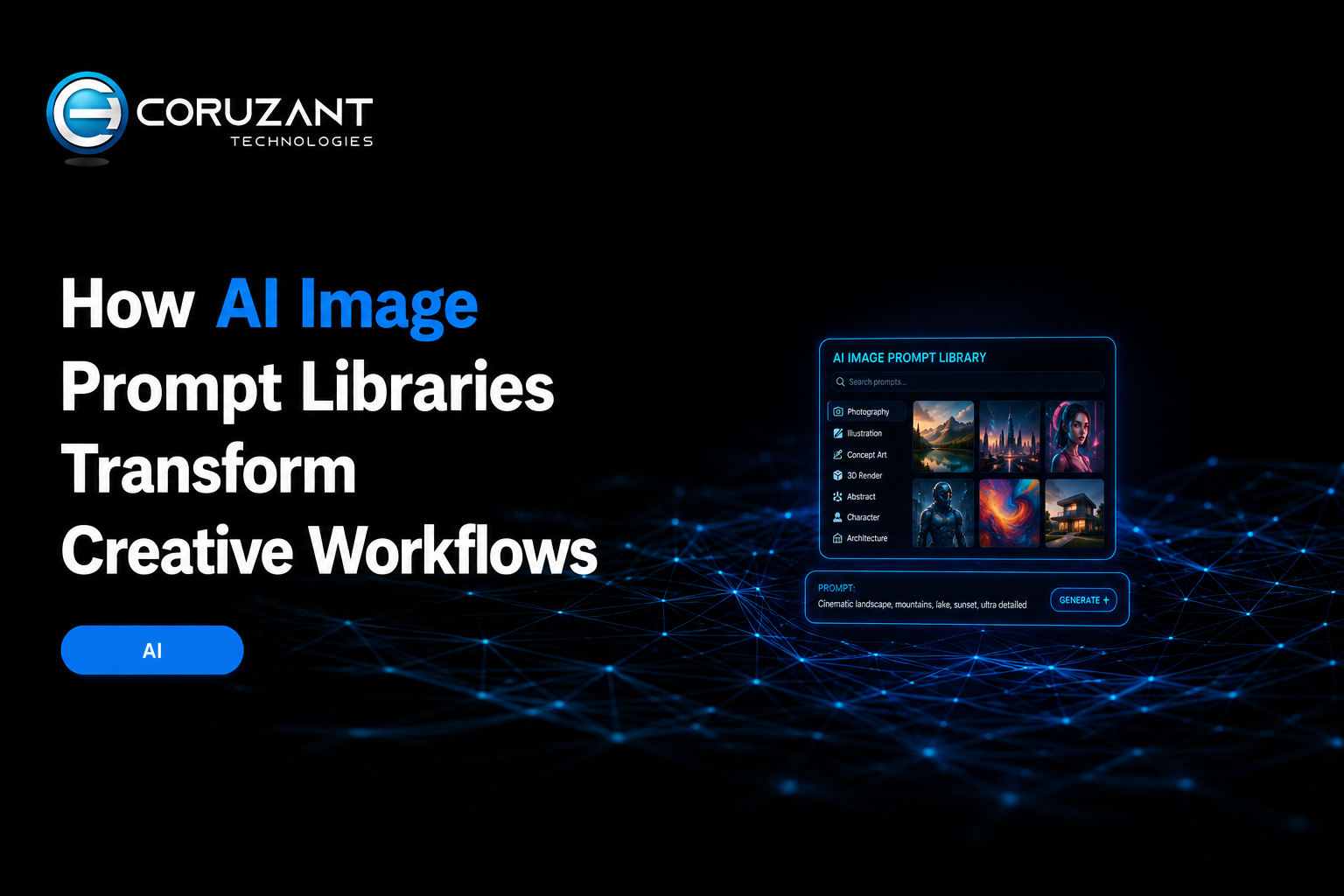
Artificial intelligence has changed the way people create digital images, making professional-quality visuals accessible to designers, marketers, content creators, and everyday users. However, getting impressive results from AI image tools often depends on more than simply entering a few words. The quality, structure, and detail of an image prompt can significantly influence the final output.
This is where prompt libraries and AI image generators. Instead of spending hours experimenting with different instructions, users can explore proven prompt ideas, study effective prompt structures, and use them as inspiration for their own creative projects.
Table of contents
- Why AI Image Prompts Matter
- Benefits of Using a Prompt Library
- Choosing the Right AI Image Generator
- How to Create Better AI Image Prompts
- Using Prompt Inspiration Effectively
- AI Image Generation for Businesses
- Why 4K and Watermark-Free Images Matter
- Building a More Efficient Creative Workflow
- The Future of AI Image Creation
- Conclusion
Why AI Image Prompts Matter
An AI image generator interprets written instructions and transforms them into visual content. A simple prompt might produce a basic image, while a carefully structured prompt can describe lighting, composition, camera perspective, colors, atmosphere, materials, and artistic style.
For example, instead of asking an AI model to create “a futuristic city,” a more detailed prompt could describe a futuristic city at night, illuminated by neon lights, featuring glass skyscrapers, flying vehicles, cinematic lighting, and a wide-angle perspective.
The second approach gives the model considerably more information about the desired result.
For creators who regularly work with AI-generated visuals, finding high-quality examples can save significant time. A dedicated Prompt Library can inspire and help users discover prompts for popular AI models, including models such as Google’s Nano Banana and OpenAI’s GPT Image. The platform also allows users to generate images with high-quality AI image prompts that can be adapted for different creative projects.
Benefits of Using a Prompt Library
One of the biggest advantages of a prompt library is convenience- one of the best resources”ce. Users do not have to start from scratch every time they want to generate an image.
A good library can help creators:
- Discover new prompt ideas
- Understand how effective prompts are structured
- Experiment with different visual styles
- Find inspiration for commercial and personal projects
- Adapt existing prompts to their own requirements
- Reduce the time spent on trial and error
Prompt libraries can also be useful for beginners. Someone who has never worked with AI image generation may not know how to describe lighting, composition, perspective, or artistic styles effectively. Studying existing prompts can provide a practical introduction to these techniques.
Choosing the Right AI Image Generator
After finding an effective prompt, the next step is selecting a suitable image-generation platform. Different AI models can interpret the same prompt differently, so having access to multiple models can be particularly useful.
An AI Image Generator can make this process easier by bringing popular AI image models together in one place. Instead of moving between multiple platforms, users can explore different generation options from a centralized environment.
The platform also allows users to generate images, making it useful for projects where image quality and clean presentation are important.
How to Create Better AI Image Prompts
Although prompt libraries provide ready-made inspiration, learning how to customize prompts can produce even better results.
1. Start With the Main Subject
Clearly identify what you want the image to contain. The subject could be a person, product, landscape, building, animal, vehicle, or fictional character. For example: An elegant modern electric vehicle parked beside a mountain road. This establishes the primary focus of the image.
2. Describe the Environment
Add information about where the subject is located. Background details can dramatically change the visual result.
You could specify:
- A city street
- A tropical beach
- A futuristic laboratory
- A mountain landscape
- A minimalist studio
- A medieval village
3. Specify Lighting
Lighting can determine the mood and realism of an AI-generated image. Common descriptions include cinematic lighting, soft studio lighting, golden-hour illumination, dramatic shadows, neon lighting, and natural daylight.
4. Include Composition Details
Composition tells the AI how the image should be framed. You can mention a close-up portrait, wide-angle view, overhead shot, centered composition, low-angle perspective, or symmetrical framing.
5. Define the Desired Style
The same subject can look completely different depending on the requested style. Prompts can specify photorealistic imagery, editorial photography, 3D rendering, digital art, cinematic artwork, minimalist design, or other visual approaches.
Using Prompt Inspiration Effectively
Copying a prompt exactly is not always the best strategy. Instead, users can treat prompts as starting points and modify them according to their objectives.
For example, a prompt designed for a fantasy landscape could be transformed into a commercial product scene by replacing the subject and adjusting the lighting, composition, and environment. This approach allows creators to build a personal collection of reusable prompt structures.
Over time, users can develop templates for different types of work, including social media graphics, advertisements, product photography, website visuals, illustrations, concept art, and marketing campaigns.
AI Image Generation for Businesses
Businesses can benefit significantly from AI-generated images. Creating traditional photography or custom illustrations can be expensive and time-consuming, particularly for small businesses and independent creators.
AI image tools can help produce visual concepts for:
- Social media campaigns
- Product presentations
- Blog articles
- Advertising concepts
- Website banners
- Promotional materials
- Branding experiments
For example, a marketing team can create several visual concepts for a campaign before deciding which direction should be developed further.
Why 4K and Watermark-Free Images Matter
Image resolution becomes particularly important when visuals are used professionally. Low-resolution images can appear blurry when enlarged, while watermarks can make an otherwise polished design look unfinished.
The ability to generate images can therefore be useful for creators who need clean visuals for websites, marketing materials, presentations, and other professional applications.
However, users should still consider the intended use of an image and review the applicable terms of the AI platform before using generated content commercially.
Building a More Efficient Creative Workflow
The most effective approach is not simply generating as many images as possible. Instead, creators can develop a structured workflow.
First, identify the objective of the image. Next, search a prompt library for relevant inspiration. Then modify the prompt to match the desired subject, style, and composition. After that, generate several variations and compare the results. If an image does not meet expectations, adjust individual elements rather than completely rewriting the prompt.
For example, if the subject looks correct but the lighting is too dark, change the lighting description instead of starting over. If the composition is unsuitable, modify the camera angle or framing. This systematic approach makes experimentation faster and more predictable.
The Future of AI Image Creation
AI image generation continues to evolve rapidly. As models become more capable, users can expect improved image quality, better prompt interpretation, stronger consistency, and more sophisticated creative controls.
Prompt libraries will remain valuable because they provide examples of how creators can communicate their ideas effectively to increasingly advanced AI systems. At the same time, centralized AI image-generation platforms can simplify access to different models and reduce the need to manage numerous separate tools.
Conclusion
AI image generation has made visual creation faster and more accessible, but effective results still depend heavily on the quality of the instructions provided to the model. Prompt libraries can help users discover ideas, understand successful prompt structures, and improve their own creative workflows.
For anyone looking to explore high-quality AI image prompts, a dedicated prompt resource can provide a useful starting point. Combined with an AI image generator that brings popular models together and supports 4K, watermark-free image generation, creators can experiment with different styles and produce professional-looking visuals more efficiently.
Whether you are a designer, marketer, content creator, or beginner, learning how to use prompts effectively can help you get substantially more value from modern AI image-generation technology.