
Most “best AI meeting note taker” lists are written by people who read the tools’ marketing pages, stack up the feature bullets, and call it a review. You can tell because every tool gets a 9/10 and the “con” is always something vague like “limited free plan.” That’s not a test. That’s a brochure.
I ran each of these tools through seven weeks of real meetings: client discovery calls, internal standups, a 90-minute in-person strategy session in a conference room with bad acoustics.
This guide is for meeting-heavy professionals, sales teams, and anyone who has ever walked out of a call without a clear sense of what just happened. Here’s the honest ranking.
TLDR;
- #1 Krisp — best notetaker overall; bot-free, accurate meeting notes, noise-cancelling, works in-person
- #2 Granola — best if you want to stay engaged and let AI complete your own notes
- #3 Avoma — best for sales managers who want coaching data, not just transcripts
- #4 Fathom — best free AI meeting note taker for individuals, no caps, no expiry
- #5 tl;dv — best for pulling insights across dozens of past meetings at once
Key Takeaways
- Most reviews of AI meeting note takers lack real testing; this guide provides honest rankings from actual meetings.
- Krisp ranks as the best overall, offering accurate notes, noise cancellation, and multi-speaker identification.
- Granola excels with its human-AI collaboration approach, enhancing user notes instead of replacing them.
- Avoma targets sales teams, providing insights like talk-to-listen ratios and coaching opportunities.
- Fathom and tl;dv stand out as strong free options for individuals and teams needing robust note management.
Table of contents
Quick Comparison: 6 Best AI Meeting Note Takers
| Tool | Bot-Free | Online & Offline Meetings | Free Trial | Multispeaker detection | Starts At | Noise Cancellation | Accent Conversion |
| Krisp ★ | ✅ | ✅ | ✅7 days | ✅ | $8/user/month | ✅ | ✅ |
| Granola | ✅ | ✅ | ✅limited free plan | ⚠️needs manual fixing | $14/user/month | ❌ | ❌ |
| Avoma | ❌ | ❌ | ✅14 days | ⚠️needs manual fixing for in-person meetings | $19/user/month | ❌ | ❌ |
| Fathom | ✅ | ✅ | ✅ limited free plan | ⚠️needs manual fixing for in-person meetings | $15/user/month | ❌ | ❌ |
| tl;dv | ❌ | ✅ | ✅limited free plan | ⚠️Needs manual fixing for in-person meetings | $18/user/month | ❌ | ❌ |
The 5 Best AI Meeting Note Takers: Honest Reviews
1) Krisp AI Note Taker – Best Overall AI Meeting Note Taker
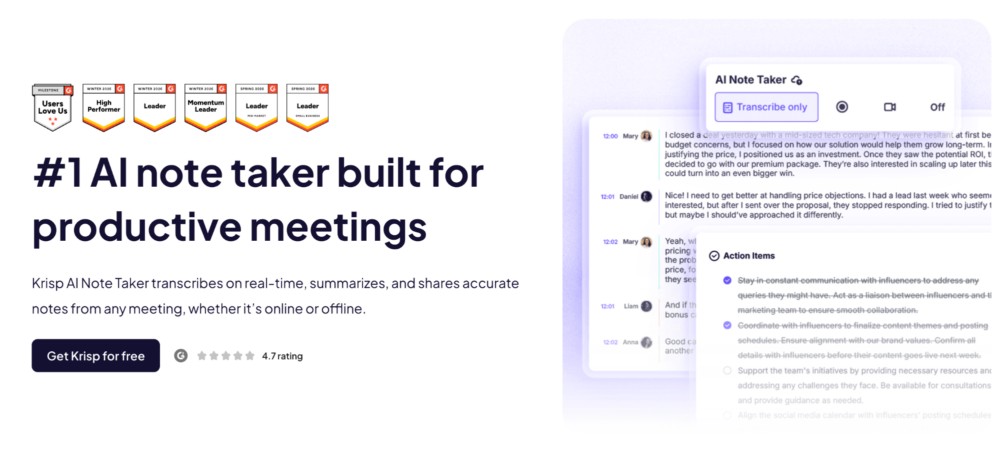
The first thing I noticed with Krisp was the silence. No bot joined my call. No attendee named “Krisp AI” appeared in the participant list. As my meetings began, Krisp AI Meeting Note Taker ran in the background and provided live transcriptions of the conversation, which was extremely helpful during those “listening but not hearing” moments.
The post-meeting notes and summaries were the most consistently accurate of the seven. Action items were extracted correctly in every meeting except one, where a key decision got buried deep in a side conversation ( honestly, I would have missed it too ).
One feature I didn’t expect to appreciate as much as I did was Krisp’s multi-speaker identification. During meetings with several participants, it consistently separated who was speaking, and I rarely had to spend time fixing the transcript afterward. Even when I used it to record in-person conversations with the mobile app, it did a surprisingly good job distinguishing between different voices.
The AI chat feature, where you can ask questions about past meetings, became genuinely useful within the first week. I used it to cross-reference what a client had said about the budget across three separate calls.
The noise cancellation is the other thing that sets it apart. I took a call from a coffee shop with significant background noise. The transcript came back clean. Krisp’s background noise removal technology was cleaning the audio before it hit the transcription engine, which resulted in noticeably better accuracy compared to every other tool I tested in the same conditions.
One feature I didn’t expect to appreciate as much as I did was bidirectional accent conversion. During a call with my Indian colleagues, it worked in real time to make accented speech easier to understand without changing the speakers’ voices. The transcript had none of the errors I’d seen in other tools. It didn’t just improve the transcript afterward; it also made the conversation itself easier to follow, saving me from those awkward moments of mishearing accented words.
✅Pros
- Real-time and post-meeting transcription with multi-speaker identification and correct labeling
- 3 Transcription modes that let you transcribe only without recording, or transcribe with audio or video recording
- Structured notes, summaries, action items and key points
- In-person recording – desktop and mobile (iOS + Android)
- Bidirectional background noise removal cleans audio before transcription for higher accuracy
- Accent conversion – smooth accented speech and reduces accent-related transcription errors for global teams
- Integrations: Salesforce, HubSpot, Asana, Jira, Monday, Slack, Zoom, Teams, Meet etc.
- SOC 2 Type II, HIPAA, GDPR, and PCI-DSS 4.0 certified
❌Cons
- No permanent unlimited free tier – free trial available
- Noise Cancellation doesn’t work on the mobile app
- Action item assignment may need double-checking for 100% accuracy
| 🚀 Best for: teams and individuals that need bot-free, private note-taking that works in noisy environments, multilingual teams, and in-person settings💰 Pricing: $8/user/month (annual) — free trial, no credit card⭐ G2 Rating: 4.7/5 ( 1449 reviews )📌 Verdict: The most complete AI meeting note taker on this list. The bot-free architecture, noise cancellation, and in-person support together solve problems every other tool leaves open. |
2) Granola – Best Note Taker For Human + AI Note Collaboration
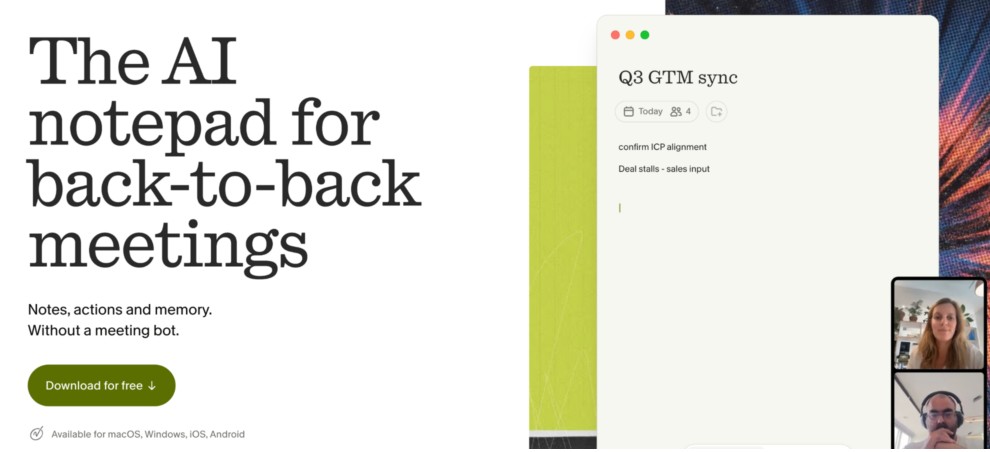
Granola takes an approach I hadn’t seen before and ended up appreciating more than I expected. Instead of replacing your note-taking, it enhances it: you type fragments during the meeting, like just keywords, rough thoughts, whatever you catch, and Granola uses its transcript to fill in the gaps and return something complete. I typed “pricing concern – revisit” during a call, and Granola came back with two full sentences explaining the exact exchange in context. I typed nothing for a ten-minute section and it still captured it accurately.
The result feels more like your own notes than anything else I tested. The AI isn’t writing the meeting for you; it’s completing what you started. For people who’ve tried handing their notes entirely to an AI and spent more time editing the output than they saved, this is a meaningfully different approach.
There’s no audio or video recording, only transcripts and AI-generated notes.
✅Pros
- Human + AI hybrid notes – you jot fragments, Granola completes them from the transcript
- Bot-free – captures audio from your device, works with any platform
- Custom meeting templates for structured note formats
- Native HubSpot, Slack, and Notion integrations
- The hybrid approach produces notes that feel authored, not auto-generated
❌Cons
- No audio and video recording
- 30-day history limit on the free tier
| 🚀 Best for: People who want to stay engaged in meetings and let AI complete their notes rather than replace them💰 Pricing: Free (30-day meeting history) | Paid from $14/month⭐ G2 Rating: 4.7/5 (34)📌 Verdict: The most human-feeling output of any tool on this list. It focuses on context and meaning and organizes meetings into clean summaries. |
3) Avoma – Best for Sales Teams and Conversation Intelligence
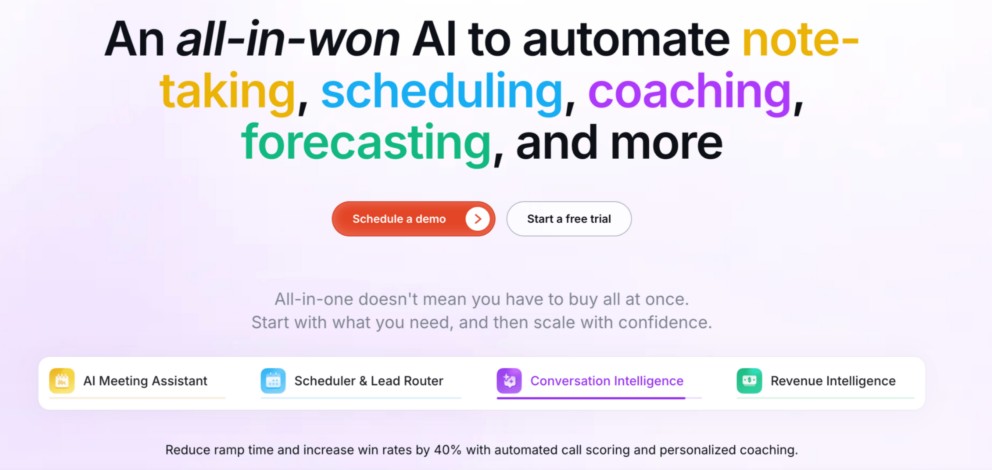
Avoma is not really a note taker in the way the others are. It’s a conversation intelligence platform that also handles traditional note-taking functions such as structured and topic-segmented AI notes, summaries and extracted action items.
I tested Avoma specifically on sales calls, which is where it belongs.
The talk-to-listen ratio was the feature I checked most often after testing calls. After a discovery call I’d felt went well, Avoma showed I’d spoken 68% of the time – too high for that call type. The filler word tracker flagged a habit I didn’t know I had. The monologue counter identified a four-minute stretch where I’d talked continuously, which I remembered feeling awkward at the time and now understood why.
For managers, the AI coaching scores are the real value: Avoma evaluates each rep’s calls against configurable criteria and surfaces coaching opportunities without the manager having to sit through recordings.
✅Pros
- Talk-to-listen ratio tracking per call and per rep
- Filler word and monologue detection
- AI coaching scores against configurable criteria
- Competitive intelligence tracks competitor mentions and correlates with deal outcomes
- Deep CRM integrations and automatic updates
❌Cons
- Overkill for anyone not running a structured sales or customer success team
| 🚀 Best for: Sales managers and revenue teams who need coaching intelligence, not just summaries💰 Pricing: From $19/recorder/month (annual) – no free tier⭐ G2 Rating: 4.6/5 (1362 reveiws)📌 Verdict: The best sales-specific tool on this list by a clear margin. If you’re not running a revenue team, the price-to-value ratio doesn’t hold up against Krisp or Granola. |
4) Fathom – Best Free AI Meeting Note Taker
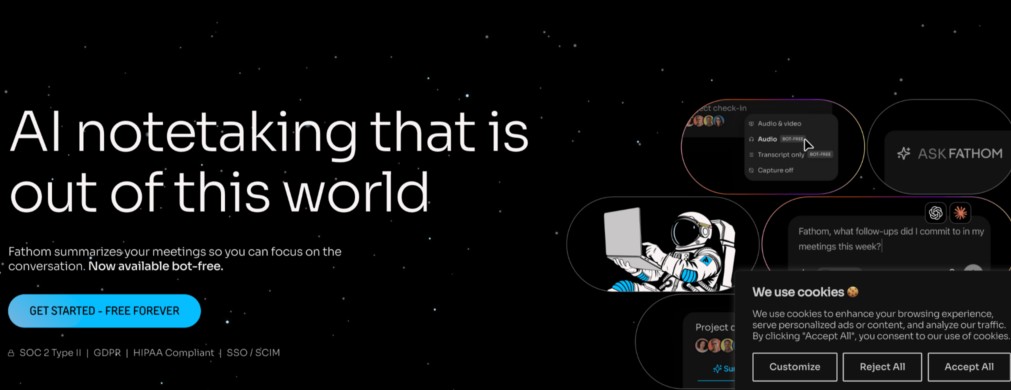
I went into Fathom expecting the free plan to hit a wall somewhere. It didn’t. Unlimited recordings, no storage cap, no countdown timer, no credit card required. I ran it for three weeks straight without touching a paid feature and it held up across client calls, team standups, and one three-hour product session I recorded mostly to see what would happen. The summary was imperfect – it flattened some nuance, but accurate enough to be useful.
A thing that’s worth mentioning is that Fathom works with 38 languages – pretty solid range to choose from.
It has solid transcription accuracy, structured AI notes and summaries, and the Ask Fathom worked great after multiple confusing questions.
While it does not offer as many features as Krisp or Avoma, Fathom’s focus on the basic note-taking features makes it ideal for those looking for a lightweight, free AI note-taker.
The detail I kept coming back to was the copy-paste behaviour. When I pasted Fathom’s notes into a Slack message or a Google Doc, they arrived correctly formatted – headers, bullets, structure intact. That sounds minor until you’ve spent ten minutes reformatting AI output before you can share it, which is what I was doing with two other tools on this list.
The team use case is where it gets complicated. The free plan is for individuals only – genuinely generous, no catch.
✅Pros
- Unlimited free recording for individual users – no expiry, no cap
- Highly accurate transcriptions that captured names, technical terms and out-of-context wordings correctly
- Formatted copy-paste output – pastes cleanly into docs, Slack, CRMs
- CRM sync (HubSpot, Salesforce) on paid plans
- Short clip creation and playlist sharing
- Action Items and next steps are extracted automatically after the meeting
❌ Cons
- Occasional late bot join on Google Meet; some quirks with Teams
- Lack of Meeting Agendas – I couldn’t add agenda items to the notetaker document prior to a meeting.
| 🚀 Best for: Individuals and freelancers who want full note-taking features at zero ongoing cost💰 Pricing: Free (individuals, unlimited) | Team plans from $19/user/month⭐ G2 Rating: 5/5 (6903 reviews)📌 Verdict: The most honest free tier in this category. Start here if you’re testing AI note-taking before committing to a subscription. |
5) tl;dv – Best Notetaker for Cross-Meeting Search and Automated Reports
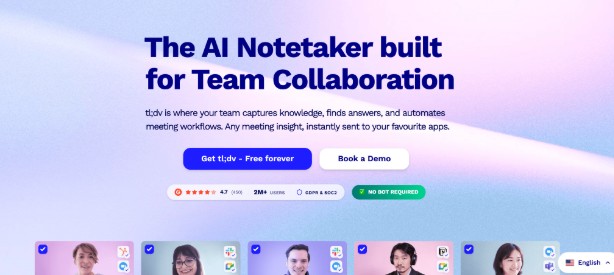
tl;dv is the one tool I tested that felt genuinely designed for people who are in too many meetings, not just people who want to take better notes in them. The scheduled AI reports were what sold me: I set one up to auto-generate a weekly summary of all sales calls and deliver it to a Slack channel every Friday. By the second week, it had become the first thing I read on Monday.
The search is the deepest I have found. Beyond basic date and participant filters, you can filter by meeting type and – if you’ve connected HubSpot or Salesforce – by deal stage. I tested the CRM filtering and it worked as described: I asked it to surface every discovery call where the deal was currently at “proposal sent” and asked the AI what objections had come up across those calls. That kind of synthesis used to require a half-day of manual review.
The practical downside I can’t ignore: on two separate occasions, the bot failed to join the meeting on time and missed the opening minutes. tl;dv support confirmed this happens when servers are under load.
✅Pros
- Scheduled AI reports – auto-delivered to Slack or CRM on a set cadence
- Deep meeting search with CRM deal-stage filtering
- AI-powered cross-meeting trend analysis
- Generous free tier – unlimited transcripts on Zoom, Meet, and Teams
- Scheduled reports are the best time-saving feature of any tool on this list
- CRM-integrated meeting search is uniquely powerful for sales teams
- Free tier is genuinely unlimited on the three major platforms
- It is very easy to cut short video clips from long meetings to share with team members.
❌Cons
- Speaker identification struggles across rapid transitions between multiple speakers
- Joins meetings as a visible bot participant – creates friction on client-facing calls
| 🚀 Best for: Teams managing large volumes of meetings who need to extract trends and surface insights automatically💰 Pricing: Free (unlimited transcripts) | Paid from $18/user/month (annual)⭐ G2 Rating: 4.7/5 (520)📌 Verdict: The best tool for information management across many meetings. The reliability issue is real, but if you’re drowning in calls and need a system, tl;dv builds it for you. |
How to Choose the Best AI Meeting Note Taker for Your Team
Most people overcomplicate the decision of the best AI note taker. Here’s the short version:
Step 1: Decide on bot vs. bot-free
If you’re regularly in client-facing meetings, recruiting interviews, or regulated environments, go bot-free. Krisp and Granola both work this way. If your meetings are primarily internal, any tool on this list works.
Step 2: Decide what you’re doing with the output
Need clean summaries and automatic meeting notes? Fathom or Krisp. Need to search across many calls over time? tl;dv. Need coaching data from sales calls? Avoma. Want to feel like the notes are yours? Granola.
Step 3: Check the pricing model honestly
Fathom’s individual free tier is genuinely unlimited. tl;dv’s free tier is generous on transcription but gates the AI features. Krisp’s basically includes noise cancellation and accent conversion features as bonuses while you pay only for note-taking.Price what you’ll actually use before signing up.
So, what is the best AI meeting note taker in 2026?
Krisp is the best all-around AI meeting note taker for most users. It’s the only tool that combines bot-free recording, live and post-meeting AI transcription, notes and summaries, noise cancellation, in-person meeting support in a single app. For individuals who need a free option, Fathom is the strongest choice. For sales teams wanting coaching intelligence, Avoma.