
You finish work, open a movie or fire up a game, and everything crawls. Those Wi-Fi slowdowns feel personal, but they’re often predictable. As first reported by Engadget, the usual culprit is simple: too many people online at once.
That matters beyond the living room. Remote workers taking evening calls, households with several streamers, and anyone managing a home office setup all run into the same wall. Wi-Fi slowdowns at a predictable hour are easier to fix once you know what’s behind them, and that helps you decide which fixes are worth the effort.
Key Takeaways
- Evening Wi-Fi slowdowns happen due to many people connecting at once, especially in densely populated areas.
- Cable internet can cause more congestion than fiber, and multiple devices compete for limited Wi-Fi bandwidth.
- You can fix slowdowns by power-cycling your router, adjusting band settings, and moving heavy downloads to off-peak hours.
- Using wired connections for stationary devices can lead to steadier internet speeds during peak times.
- Diagnosing Wi-Fi slowdowns often requires patience and taking multiple steps to improve your network setup.
Table of contents
Why evening Wi-Fi slowdowns happen
Think of it as rush hour. Plenty of people in your area come home from work or school around the same time and connect. If you live somewhere dense, that’s a lot of simultaneous demand.
The type of connection changes how much you feel it. Cable internet shares bandwidth among homes in the same neighborhood, so a busy evening adds congestion for everyone on that shared line. Fiber offers far more bandwidth, so it suffers less from this particular problem.
There’s a second layer inside the Wi-Fi itself. Routers share the same frequency bands, and when many devices crowd onto them, they compete. In a big apartment complex, dozens or even hundreds of devices may be fighting over the same slice of airwaves.
It also helps to remember that slow speeds aren’t always about the evening rush. A faulty router, a problem with your provider, or trouble on a streaming service’s end can look identical. Even a housemate downloading large files can starve a 4K stream. Because conditions shift constantly, diagnosing Wi-Fi slowdowns can take some patience.
Fixes for Wi-Fi slowdowns you can try tonight
Start with the easy one: power-cycle your equipment. Unplug the modem and router for at least 30 seconds. Plug the modem back in first and let it reconnect, then restart the router if it’s a separate box.
The reset clears the devices’ caches and lets them pick up fresh connections, which may be better ones. Results aren’t guaranteed. Still, it’s unlikely to make things worse, so it costs you very little to try against Wi-Fi slowdowns.
Next, look at your router’s band settings. If you haven’t already, give each band its own network name, then steer your most demanding devices to 5GHz or 6GHz where they support it. The 2.4GHz band reaches far, but its channels congest easily, and appliances and Bluetooth gadgets can interfere with it.
That makes 2.4GHz a better home for smart home accessories. They need range more than speed, and a brief dropout won’t bother anyone. Moving everything else off it can take real pressure off your evening Wi-Fi slowdowns.
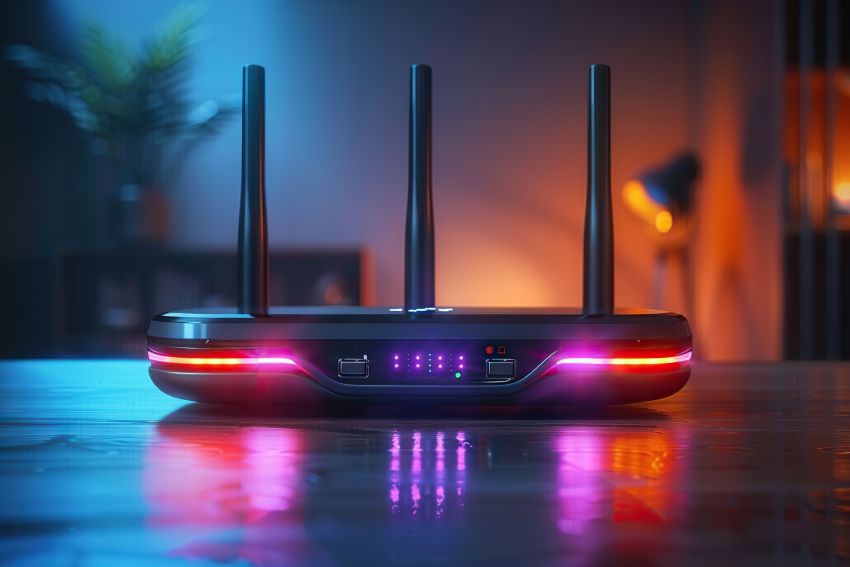
Changing habits to dodge Wi-Fi slowdowns
Sometimes the network won’t bend, so your routine has to. That can mean using your own bandwidth more carefully while the whole household is online. It can also mean working around what the neighborhood is doing.
- Move updates overnight. Automatic updates often pick a quiet window based on how you use your device. If that proves unreliable, schedule them or check manually before bed.
- Time big downloads. Torrenting during waking hours hurts your own household and your neighbors. Large cloud sync jobs deserve the same caution when family members are online.
- Delay popular streams and games. A hot new episode is hard to stream the moment it drops, and online games may run better once school-aged players have gone to bed.
Postponing something by an hour or two is often enough. Picture what everyone around you is probably doing, and pick a different moment.
When a cable beats the airwaves
If a device doesn’t move, consider wiring it. A desktop, a console, or a TV with an Ethernet port can skip the shared airwaves entirely. Wired connections aren’t affected by range or band congestion, so you tend to get steadier gaming and faster downloads on computers.
There are limits. Ethernet won’t fix a jammed neighborhood connection, since that traffic sits upstream of your router, so it only removes one source of Wi-Fi slowdowns. The practical hurdle is running a cable from the router to the device, which may be easy in a small apartment and a chore in a larger house.
What to take from it
No single step will end every evening slowdown, because part of the problem lives outside your walls. A cable connection shared with neighbors, or a crowded apartment building, sets a ceiling you can’t raise yourself. What you can control is your router’s restart habits, which band each device uses, when heavy jobs run, and which gear gets a cable.
Work through those in order, from the cheapest to the most hassle. If speeds still sag at the same hour every night, that pattern is useful evidence to bring to your provider. Wi-Fi slowdowns that follow the clock are rarely random, and your fixes can follow the clock too.
Read Next:
A few related pieces worth your time:
- 3 Simple Tablet Hacks to Supercharge Business Performance
- Background App Refresh: Should You Keep It On or Off?
- 3 Simple Tablet Hacks to Supercharge Business Performance