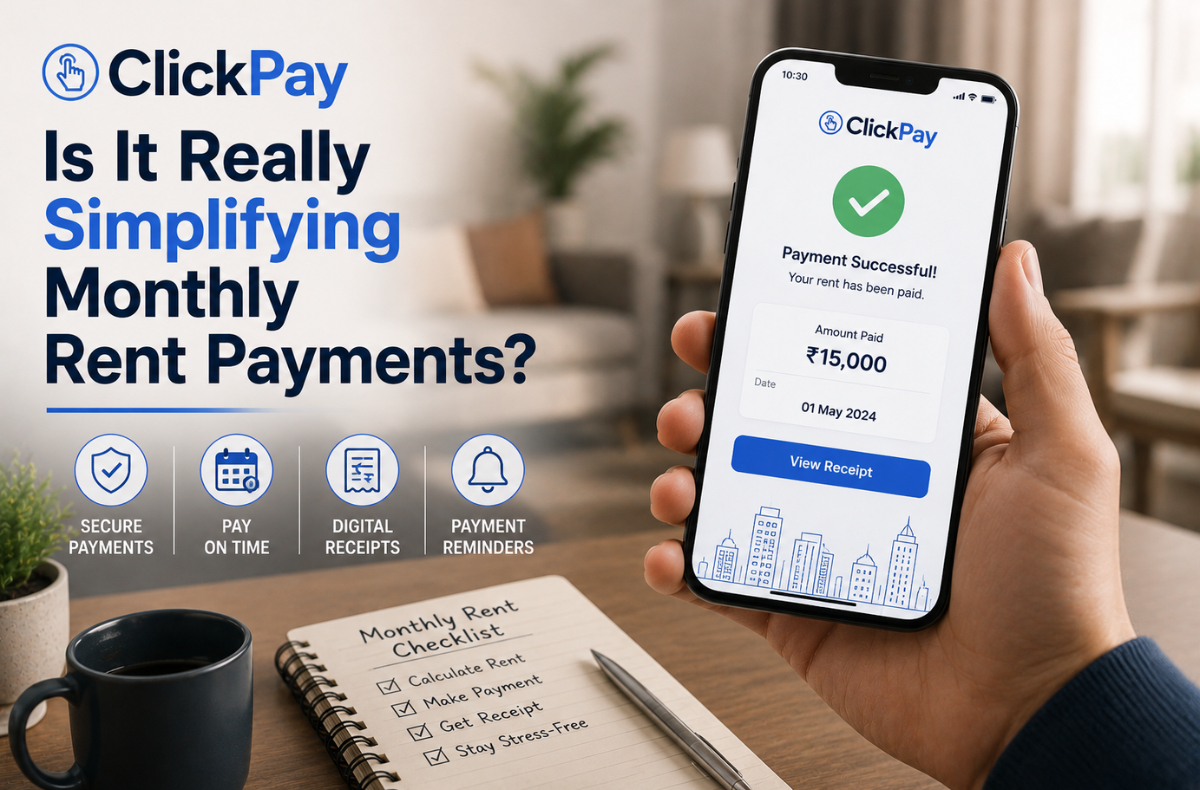
The monthly rent payment process often creates unnecessary friction between landlords and renters. Writing paper checks, navigating bank transfers, and tracking due dates consume valuable time. Renters need reliable methods to manage their housing expenses, and platforms like ClickPay offer convenient solutions. Property managers need efficient systems to collect funds and update ledgers.
Digital payment platforms promise to eliminate these traditional hurdles. By centralizing transactions into a single digital gateway, these systems aim to streamline property management. They offer tools like scheduled transfers, digital receipts, and integrated billing to reduce administrative overhead and prevent late fees.
A critical look at the ClickPay tenant portal reveals how digital rent collection impacts daily operations. This analysis evaluates the core features, setup procedures, and practical benefits of this platform. It explores whether automated solutions truly simplify the payment experience for everyone involved.
Key Takeaways
- The ClickPay platform simplifies rent payment for tenants and property managers by centralizing transactions and reducing administrative overhead.
- ClickPay supports various payment methods, including ACH, credit card, and paper check, making it adaptable to different financial preferences.
- Setting up ClickPay AutoPay involves linking accounts, adding payment methods, and customizing payment schedules to ensure timely transfers.
- The system generates digital receipts, maintains accurate ledgers, and helps tenants avoid late fees through automated payments.
- ClickPay enhances the user experience with customer support and a user-friendly interface, making it a significant tool for modern property management.
Table of Contents
- ClickPay as A Digital Gateway to Rent Management
- Setting Up ClickPay AutoPay: A Step-by-Step Guide
- The Advantages of ClickPay AutoPay: Beyond Just On-Time Payments
- Addressing Common Concerns and Troubleshooting
- The Impact of Digital Rent Payments
- ClickPay User Experience and Support
- Is ClickPay a True Simplifier?
- FAQs
ClickPay as A Digital Gateway to Rent Management
ClickPay functions as a billing and payment platform for property managers and landlords. FirstService Residential and other property management companies use this system to collect rent and homeowner association fees.
The platform supports multiple payment methods. Tenants can pay via eCheck (ACH), credit card, debit card, or paper check. ClickPay property pay handles the transaction and syncs the data with the property manager’s accounting software.
The system features custom-branded online and mobile payment portals. Renters log in to submit a ClickPay rent payment quickly. The platform records the transaction and issues a ClickPay payment confirmation immediately.
Real-time integration with accounting software means ledgers stay accurate. Property managers see the clickpay rent clear without manual data entry.

Setting Up ClickPay AutoPay: A Step-by-Step Guide
Automating monthly expenses requires a clear setup process. Proper ClickPay AutoPay setup prevents errors and ensures funds transfer on time.
Initial Account Creation
Users begin by navigating to the ClickPay login page. After registering with an email address, tenants link their specific unit to their profile.
Adding Payment Methods
The platform accommodates different financial preferences.
- ACH (Bank Account): Tenants enter their routing and account numbers. ClickPay ACH payments typically carry the lowest processing costs.
- Credit/Debit Card: Users input their card details. A ClickPay credit card rent payment provides flexibility but involves higher processing fees.
Navigating Payment Scheduling
Through the “Auto Pay” tab, renters customize their ClickPay payment scheduling. They select the start month, the payment frequency, and the exact processing date.
Tenants must also choose a specific amount option:
- Full Amount: Deducts the total balance due and adjusts automatically for utility changes.
- Fixed Amount: Deducts a specific, unchanging dollar amount.
- Recurring Charges: Processes only standard, scheduled assessments.
The Advantages of ClickPay AutoPay: Beyond Just On-Time Payments
Enabling automatic ClickPay rent payments offers distinct advantages.
Consistency stands out as the primary benefit. ClickPay’s missed-payment prevention ensures tenants never incur late fees due to forgetfulness. Automated systems handle the transaction quietly in the background.
This consistency supports strong financial planning. Renters can align their ClickPay recurring payments with their payroll schedule. Digital records offer complete transparency. Every processed transaction generates a ClickPay payment confirmation, giving renters a reliable paper trail.
Addressing Common Concerns and Troubleshooting
Even automated systems require occasional adjustments. Understanding how the portal operates helps tenants avoid unexpected issues.
Service fees represent a common concern. While ACH transfers often remain free or low-cost, the ClickPay credit card fee percentage applies to card transactions. Renters should review their property’s specific fee chart before scheduling payments.
Users can edit or cancel automatic schedules directly through the portal. If an automated payment fails, it usually stems from a zero balance, an expired card, or a canceled schedule. Renters must ensure their scheduled fixed amounts match any new lease agreements or rent increases.
The Impact of Digital Rent Payments
Digital rent payment adoption continues to climb as tenants seek modern conveniences. Industry data highlights the shift away from paper checks. Here is the quick comparison of payment methods.
| Payment Method | Typical Processing Time | Standard Fee Structure | Best For |
|---|---|---|---|
| ACH / eCheck | 1-3 Business Days | Free or very low flat fee | Consistent monthly rent |
| Credit Card | 1-2 Business Days | 2.5% to 3.5% of total | Earning rewards, cash flow gaps |
| Paper Check | 5-7 Business Days | Processing delays apply | Traditional bookkeeping |
Accelerated digital adoption significantly reduces late payment rates. Property managers benefit from reduced administrative burdens and faster access to operating capital.
ClickPay User Experience and Support
Technology requires human support when issues arise. Renters needing assistance can contact ClickPay customer service for guidance on platform navigation or payment disputes.
Support teams, including representatives from Vxi ClickPay, handle inbound inquiries regarding the ClickPay.com pay interface. Users searching for the ClickPay phone number or ClickPay customer service number can find direct support lines within their portal. Clickpay support operates securely, adhering to PCI compliance standards to protect sensitive financial data.
The system restricts certain transactions, such as ACH transfers to international bank accounts. Renters using the ClickPay first service integration, or specifically the ClickPay first service residential, must follow strict security protocols when updating payment profiles.

Is ClickPay a True Simplifier?
The transition to digital property management brings clear operational benefits. The ClickPay rent payment system effectively removes the manual labor associated with paper checks.
While users must navigate initial setup and understand ClickPay’s property pay fee structures, the long-term advantages far outweigh the learning curve. Automated scheduling, instant receipts, and integrated ledgers create a highly efficient ecosystem.
As the real estate sector modernizes, tools like ClickPay/FirstService will become standard. Renters and managers who embrace digital solutions secure a more organized, reliable, and transparent financial relationship.
FAQs
Log in to your account, navigate to the Auto Pay section, select your preferred funding source, choose your payment date, and set your desired payment amount.
Yes, fees depend on the payment method. ACH transfers from a bank account generally incur minimal or zero fees, while credit and debit cards charge a percentage-based processing fee.
Yes. Users can edit their payment amount, change the funding source, or cancel the schedule entirely through the portal’s Auto Pay menu before the next processing date.
Verify that your bank account has sufficient funds, confirm that your credit card has not expired, and submit a one-time manual payment to cover the outstanding balance.
Automated payments prevent late fees, provide consistent digital receipts, save time on manual data entry, and streamline personal monthly budgeting.