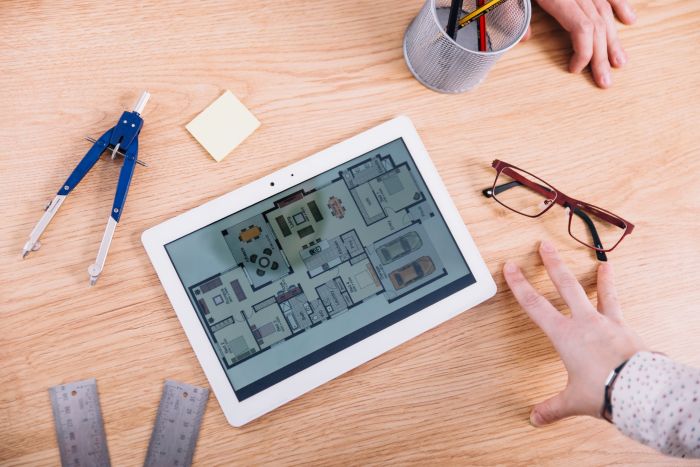
Designing and visualizing interior spaces has become increasingly accessible with the rise of digital tools, and Planner 5D is one of the most widely used platforms in this space. Whether you are planning a home renovation, redesigning a single room, or experimenting with layout ideas, Planner 5D offers a user-friendly way to create detailed floor plans and realistic 3D designs. This Planner 5D guide explains what Planner 5D is, how it works, and what you should know before using it.
Key Takeaways
- Planner 5D is an online tool for creating 2D and 3D interior designs, accessible to users of all skill levels.
- It features a drag-and-drop interface, enabling easy construction of layouts and customization of designs.
- Users can visualize their designs in 3D, helping them to make informed decisions about their spaces.
- While Planner 5D is user-friendly, it may lack advanced tools needed for professional projects, which users should consider.
- The platform suits homeowners, students, and hobbyists, but professionals working on complex projects may require specialized tools.
Table of contents
What Is Planner 5D?
Planner 5D is an online interior design and floor planning tool that allows users to create both 2D layouts and 3D visualizations of spaces. It is designed for a broad audience, including homeowners, students, and professionals who want to experiment with spatial design without requiring advanced technical skills.
The platform operates through a drag-and-drop interface, enabling users to build layouts, add furniture, and customize interiors with relative ease. It is available as a web application as well as a mobile app, making it accessible across different devices.
Key Features
One of the main strengths of Planner 5D is its range of features that support both basic and more detailed design work. Users can create floor plans from scratch or start with pre-existing templates, depending on their needs. The software allows for precise control over dimensions, wall placement, and room configuration.
Another important feature is the ability to switch between 2D and 3D views. The 2D mode is typically used for structural planning, while the 3D mode provides a more immersive perspective of the finished space. This dual functionality helps users better understand how their design choices will look in reality.
Planner 5D also includes a large catalog of furniture, fixtures, and decorative elements. These items can be customized in terms of size, color, and material, allowing for a more personalized design experience.
How Planner 5D Works
Using Planner 5D typically begins with creating a floor plan. Users can define the dimensions of a space, add walls, and position doors and windows. This stage establishes the structural framework of the design.
Once the layout is complete, users can begin furnishing the space by selecting items from the catalog and placing them within the plan. The drag-and-drop system simplifies this process, making it easy to experiment with different arrangements.
After furnishing, the design can be viewed in 3D mode. This allows users to explore the space from various angles and gain a better sense of scale, lighting, and overall aesthetics. This step is especially important in any planner 5d guide, as it brings the design to life. Some versions of the platform also include rendering features that produce more realistic images of the design.
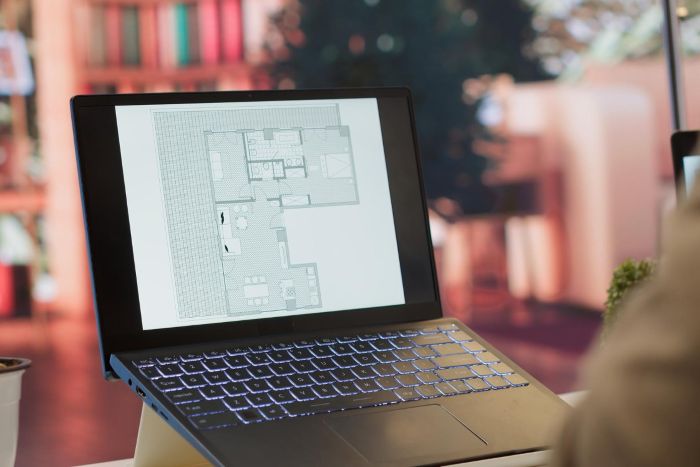
Advantages of Using Planner 5D
Planner 5D is often chosen for its accessibility and ease of use. Unlike more complex design software, it does not require prior experience in architecture or interior design. This makes it suitable for beginners who want to explore design concepts without a steep learning curve.
Another advantage is its flexibility. Users can quickly modify layouts, test different furniture arrangements, and experiment with styles. This iterative approach supports creativity and helps users refine their ideas before making real-world changes.
The ability to visualize designs in 3D is also a significant benefit. It reduces uncertainty by providing a clearer picture of how a space will look once completed, which can be especially useful during renovation planning.
Limitations to Consider
While Planner 5D offers many useful features, it also has certain limitations. Some advanced tools and catalog items are only available through paid versions of the software, which may restrict functionality for free users.
Additionally, while the platform is effective for general layout and design visualization, it may not provide the level of technical detail required for professional construction planning. For example, it does not replace architectural drawings or engineering assessments needed for structural changes.
Users should also be aware that highly detailed or complex projects may require more advanced software or professional assistance.
Who Should Use Planner 5D?
Planner 5D is suitable for a wide range of users. Homeowners planning renovations or redecorations can use it to visualize ideas and test layouts before committing to changes. Students and beginners in interior design may find it helpful for learning basic spatial concepts.
It can also be useful for real estate professionals who want to create visual representations of properties, as well as for individuals who simply enjoy experimenting with design ideas as a hobby.
However, professionals working on large-scale or highly technical projects may need to supplement Planner 5D with more specialized tools.
Tips for Getting the Most Out of This Planner 5D Guide
To use Planner 5D effectively, it is helpful to start with accurate measurements of the space being designed. This ensures that the floor plan reflects real-world dimensions and improves the reliability of the design.
Exploring different layouts and configurations can also lead to better results. The platform makes it easy to test multiple options, so taking advantage of this flexibility can help refine ideas.
Using the 3D view regularly during the design process can provide a valuable perspective and highlight potential issues, such as overcrowding or poor layout flow. Additionally, saving different versions of a project allows users to compare designs and make more informed decisions.
Planner 5D vs Other Design Tools
Compared to other interior design software, Planner 5D stands out for its balance between simplicity and functionality. While tools like AutoCAD or SketchUp offer more advanced capabilities, they often require greater technical knowledge and training.
Planner 5D, on the other hand, focuses on ease of use and accessibility. It may not provide the same level of precision or professional-grade features, but it serves as an effective solution for general design and visualization tasks.
Choosing between these tools depends on the complexity of the project and the user’s level of expertise.
Final Thoughts
Planner 5D is a versatile and accessible tool for creating floor plans and interior designs. Its intuitive interface, combined with 2D and 3D visualization capabilities, makes it a practical option for individuals looking to plan and visualize spaces without extensive technical knowledge.
By understanding its features, strengths, and limitations, users can make informed decisions about how to incorporate it into their design process. Whether used for renovation planning, creative exploration, or educational purposes, This planner 5D guide provides a structured and flexible approach to interior design.