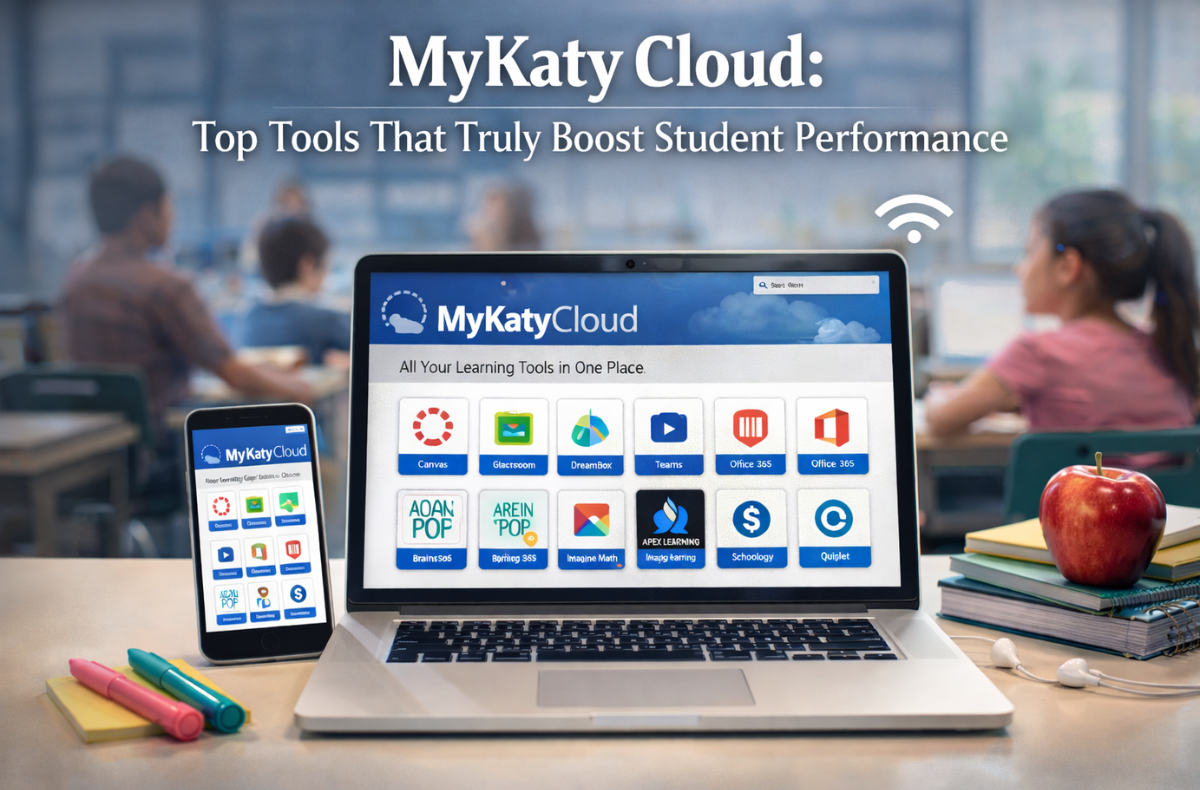
Students juggle multiple classes, assignments, and study materials every single day. Keeping track of different websites and passwords takes time away from actual learning. The Katy ISD MyKaty Cloud portal addresses this problem by providing students with a centralized digital workspace.
Using Single Sign-On (SSO) technology, this platform connects learners to their essential educational materials with just one click. As a student, you only need your District credentials to open a comprehensive MyKaty Cloud student dashboard. From checking upcoming assignments to reading digital textbooks, everything lives in one secure location.
This guide will explain exactly how to efficiently use MyKaty Cloud apps and tools to improve academic performance. I researched the top features of this digital learning platform to help you set it up for a successful school year.
Key Takeaways
- The MyKaty Cloud portal centralizes educational resources for students, enabling easy access with Single Sign-On (SSO) technology.
- Students can quickly log in, check assignments, and access various tools like Canvas and Home Access Center (HAC) for managing coursework and tracking grades.
- MyKaty Cloud offers adaptive learning software and extensive research resources, enhancing student engagement and academic performance.
- Parents can access student data through the parent portal, ensuring they stay informed about their child’s educational progress.
- Utilizing MyKaty Cloud effectively supports student success by providing essential tools in one secure location.
Table of Contents
- Getting Started: The MyKaty Cloud Login Process
- Top Academic Tools in the MyKaty Cloud App Library
- Research and Literacy Resources
- Collaboration and Productivity
- Data Insights: Impact on Student Performance
- Troubleshooting Common Issues
- The Role of Parents and Guardians
- A Complete MyKaty Cloud Digital Hub
- FAQs
Getting Started: The MyKaty Cloud Login Process
Accessing your MyKaty Cloud student dashboard is simple. Follow these simple steps to start discovering resouces quickly.
- Visit the official MyKaty cloud login page.
- Enter your District credentials (your Katy ISD ID and password).
- Click the MyKaty Cloud login button to authenticate.
If you prefer faster access, the Katy ISD Portal login supports alternative methods. Younger students can use a QuickCard to simply scan a badge. High schoolers can rely on the Web Pass extension to securely save their passwords. Setting up Multi-Factor Authentication (MFA) adds an essential layer of protection to your account. Log in today to secure your profile and explore your Student Dashboard.
Top Academic Tools in the MyKaty Cloud App Library
The MyKaty Cloud student apps list includes everything a student needs to succeed. These Curriculum-aligned tools target different academic areas. Let’s look at the most helpful options for daily academic work.
Managing Work with Canvas
The Canvas LMS acts as a virtual classroom. The MyKaty Cloud Canvas integration lets you view syllabi, check course calendars, and submit work on time.
- Find your daily tasks under the MyKaty Cloud assignments and coursework section.
- Communicate directly with your teachers.
- Access the canvas mykaty cloud link right from your main screen.
Using mykaty cloud canvas properly ensures you never miss a deadline.
Tracking Grades with Home Access Center
The Home Access Center (HAC) serves as the main portal for the Katy ISD Gradebook. The MyKaty Cloud Home Access Center link provides real-time updates for families.
- Monitor attendance and check daily schedules.
- Use MyKaty Cloud grade tracking to quickly spot missing assignments.
- Parents can review term progress securely through the mykaty cloud HAC portal.
Adaptive Learning Software
Math practice gets a massive upgrade with specialized interactive programs. Tools like DreamBox and mykaty cloud adjust to your skill level automatically.
- These Formative assessment tools personalize math lessons.
- Students practice complex equations at their own pace.
- Teachers review the data from this Adaptive learning software to see exactly where students need help.
Research and Literacy Resources
Research papers require highly credible sources. The portal offers extensive Virtual library resources. You gain direct access to 1.4 million physical books and exactly 192,722 eBooks in circulation.
- Use databases like Gale and Britannica for accurate, citable facts.
- Find digital textbooks easily for off-campus reading.
- Explore the MyKaty learning resources folder for subject-specific encyclopedias.
These tools make the Katy ISD MyKaty cloud platform a reliable powerhouse for research.
Collaboration and Productivity
Group projects require seamless file sharing and communication. You can launch Google Drive and Microsoft Office 365 directly from the educational hub.
- Create documents, spreadsheets, and presentations.
- Share files with classmates instantly.
- Use these MyKaty Cloud student productivity tools to keep group projects organized.
Keeping all your Student productivity apps in one central place saves valuable time during late-night study sessions.
Data Insights: Impact on Student Performance
Consistent use of the Katy ISD’s student system, leads to better outcomes. The table below shows the relationship between specific digital behaviors and academic improvement.
| Tool / Feature | Usage Frequency | Academic Outcome | Key Benefit |
|---|---|---|---|
| Canvas LMS | 3+ logins per week | 15% increase in assignment completion | Better time management |
| Adaptive Math | 60 minutes per week | Higher math proficiency scores | Personalized skill building |
| Virtual Library | 2+ resource searches monthly | Improved research paper grades | Access to credible facts |
| HAC Portal | Weekly grade checks | 20% drop in missing assignments | Proactive academic recovery |
Checking your MyKaty Cloud academic progress tracking tools keeps you accountable and focused.
Troubleshooting Common Issues
Technology sometimes runs into hiccups. If you find the mykaty tools down during peak hours, do not panic. Follow these steps if your failed to load:
- Clear your web browser cache.
- Check your local internet connection.
- Visit the Katy ISD Knowledge Base for step-by-step help articles.
If you type an incorrect web address, like mykaty cloud org, you will not reach the portal. Always use the official mykaty cloud katyisd link provided by the school. For persistent issues, use the official support ticket system, or contact the Instructional Technology team for guidance.
The Role of Parents and Guardians
Parents play a crucial role in student success. Parent/Guardian access is highly prioritized by the district. The MyKaty Cloud parent portal provides direct access to crucial student information.
- Download the Katy OnTheGo app for complete Mobile app accessibility.
- View your child’s cafeteria balance, library books, and attendance records.
- Stay connected with urgent campus alerts.
If you need to participate in school decisions, you might occasionally see links for a mykaty cloud vote student initiative. The district makes it incredibly simple for families to stay involved.
A Complete MyKaty Cloud Digital Hub
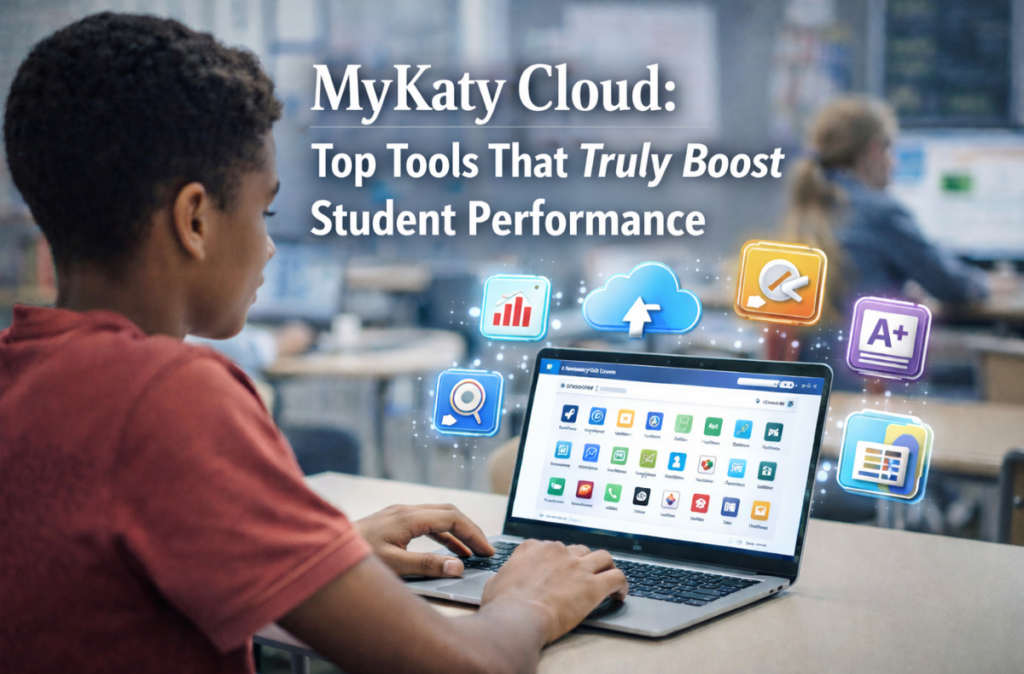
The district provides top-tier MyKaty Cloud educational technology tools. From completing daily homework to learning complex math, the mykaty app directory supports every student.
Smartly utilizing the MyKaty Cloud school resources hub is the first step toward a highly successful academic year. Enjoy the convenience of the digital classroom tools and protect your academic performance growth.
FAQs
Students, teachers, and staff can access the platform using their Katy ISD credentials. Parents can also view specific student data using their Home Access Center (HAC) logins.
First, double-check that you entered your username and password correctly. If the problem continues, clear your web browser’s cache or contact your school’s technical support team to reset your password.
Yes. You can log in to mykaty cloud com through your mobile browser. Katy ISD also offers the Katy OnTheGo app for quick access to grades and attendance on smartphones.
No. The platform uses Single Sign-On (SSO). Once you log in to the main dashboard, you automatically gain access to Canvas, Google Drive, and your digital textbooks without having to enter any additional passwords.
Yes. All Digital Learning Resources, including eBooks, audiobooks, and research databases like Gale and Britannica, are completely free for Katy ISD students to use for their coursework.