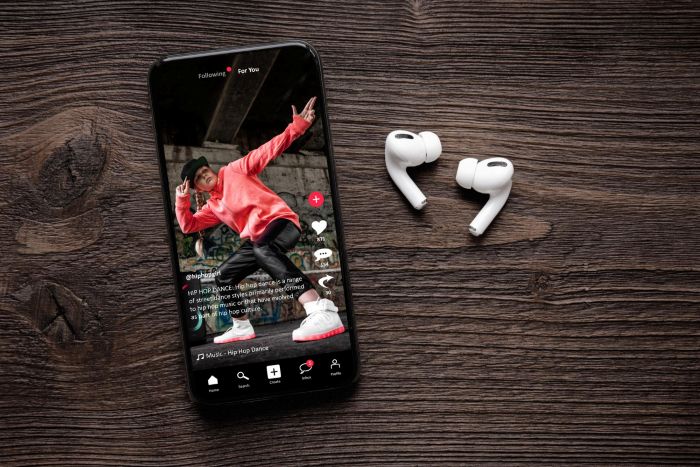
TikTok has quickly become one of the biggest platforms for discovering viral sounds, music clips, and unique audio moments—and many users now look for ways to download any soundtrack they love. From trending songs to funny voiceovers, these sounds often take on a life of their own beyond the app. Many users want to save these clips for personal listening, content creation, or even inspiration. However, simply downloading a video and converting it to audio doesn’t always deliver the best results. The biggest issue people face is the loss of audio clarity and depth during conversion. What starts as a clean, engaging sound can quickly turn into a flat or distorted file if handled incorrectly. That’s why understanding how to convert TikTok videos into MP3 format properly is essential if you want to preserve the original listening experience.
Key Takeaways
- TikTok users often want to download any soundtrack, but audio quality can suffer during conversion.
- Bitrate affects sound quality; higher bitrate results in clearer audio while lower bitrate leads to dullness.
- For best results, use a converter that directly extracts audio from the TikTok video without excessive processing.
- Organizing files by mood or creator can simplify finding sounds later and manage your audio library better.
- To maintain audio quality, avoid low-quality converters, multiple conversions, and screen recording methods.
Table of contents
Understanding What Affects Audio Quality
Before converting any TikTok video, it’s important to understand what actually impacts sound quality. One of the main factors is bitrate, which determines how much audio data is preserved in the final file. Higher-bitrate MP3 files generally sound clearer and more detailed, while lower-bitrate files can feel compressed and dull. Another key factor is how the audio is extracted. Some tools reprocess the audio multiple times, leading to a noticeable loss of quality. TikTok already compresses its content for streaming, so additional compression only makes things worse. To avoid this, it’s best to use methods that pull the audio directly from the source without altering it too much. This becomes especially important if your goal is to download any soundtrack while keeping its original richness intact. Paying attention to these details ensures that your final MP3 file still captures the energy and tone of the original sound.
Best Method to Download Any Soundtrack and Convert TikTok to MP3
The most effective way to convert TikTok audio is by using a tool that supports direct extraction. Start by copying the link of the TikTok video that contains the audio you want. Then paste it into a reliable converter that lets you download the file as an MP3. Direct extraction is important because it avoids unnecessary processing. Instead of recording audio in real time, the tool retrieves the audio directly from the video file, helping maintain better audio quality. Once the file is ready, download it at the highest available bitrate to ensure the best possible result. After downloading, take a moment to listen to the file. This quick check helps confirm that there are no glitches or distortions. If you need to edit the audio, it’s always better to do so after downloading rather than during the conversion process.
For even better results, consider organizing your downloaded files into folders by mood, trend, or creator. This makes it easier to find specific audio later and keeps your growing library manageable.
How to Avoid Quality Loss Every Time
To consistently get high-quality MP3 files, there are a few simple habits you should follow. First, avoid using random or low-quality converters that prioritize speed over performance. These often compress files too aggressively, which can ruin the listening experience. Second, never convert the same file multiple times. Each conversion reduces the overall quality, even if the difference isn’t immediately obvious. Always keep your original download as your main file and work from there if needed. Lastly, avoid screen recording methods. While they might seem convenient, they often capture background noise and reduce clarity. Sticking to proper extraction methods will ensure your audio stays clean, crisp, and enjoyable. If you regularly download any soundtrack, building these habits will make a noticeable difference over time.
Conclusion
Converting TikTok videos into MP3 files without sacrificing quality comes down to using the right methods and avoiding unnecessary compression. By focusing on direct extraction, high-bitrate downloads, and minimal processing, you can keep the original sound crisp and true to its source. Small details make a big difference, and choosing reliable tools ensures a better listening experience every time. If you’re ready to save your favorite sounds the right way and download any soundtrack without compromising quality, be sure to check out TikTok video downloader and start building a high-quality audio library you can enjoy anytime.