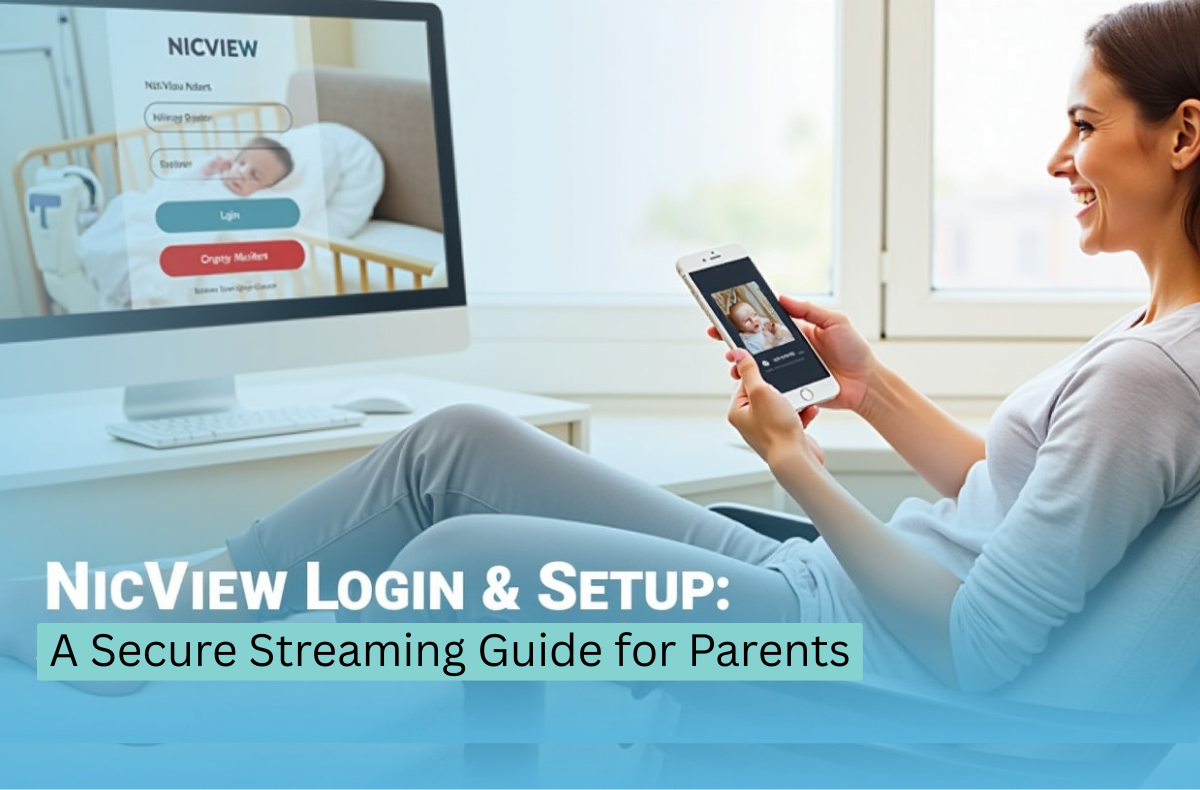
Having a baby in the NICU can leave you feeling helpless and distant, but what if you could keep an eye on your baby even when you are not physically present? NicView makes this possible by providing secure, real-time video streams of your baby, offering peace of mind during a challenging time. The technology adds comfort and connection and removes the emotional burden as your baby gets the care they deserve.
In this blog, we’ll discuss the NicView login and setup process step-by-step. We’ll also explore how to customize your experience, enhance security, and navigate potential issues that might arise. Whether you’re using this service for the first time or looking to optimize your setup, this guide will help you stay connected to your baby securely and hassle-free.
Key Takeaways
- NicView provides secure, real-time video streams for parents with babies in the NICU, easing emotional burdens during separation.
- To set up NicView, parents need to sign a consent form and obtain login credentials from NICU staff.
- The service allows parents to watch their baby live, share access with family, and customize their experience via a web portal or mobile app.
- Security measures include encrypted connections and password protection to ensure privacy and prevent unauthorized access.
- Common troubleshooting tips include checking internet stability and updating the app if issues arise.
Table of Contents
- What is NicView and How Does It Work?
- Why NicView Matters for Families
- What You’ll Need Before You Start
- NicView Login and Setup: Step-by-Step Guide
- Using the NicView App
- Understanding Camera Availability
- How Much Does the NicView Camera Cost?
- Security and Privacy of the NicView System
- Common Issues and How to Fix Them
- Conclusion
- FAQs
What is NicView and How Does It Work?
NicView is a safe camera network that provides real-time footage of babies in the NICU, allowing parents to view their babies remotely. The service enables families to be in touch with their baby at all times and to have peace of mind. In addition, it can be accessed via a web portal or a mobile application, both free for parents.
The system is also privacy-focused, with encrypted connections and audio or video recording disabled. These cameras stream live to the family app and the NicView.net website.
With these cameras, parents can:
- Watch their baby in real-time, day or night.
- Enter a private connection that is individual and personal.
- Send the login credentials to the close relatives to keep them informed and involved in the NICU process.
Why NicView Matters for Families
Here is why this system is essential to parents whose infants are in the NICU:
- Emotional connection. It provides 24/7 visual contact with the baby for families who are too far from the hospital to visit, unable to visit the NICU due to other obligations, or quarantined due to health issues.
- Support during separation. During the care times, you can see your baby, and this helps to reduce anxiety and develop a feeling of being part of the care process.
- Family inclusion. After you get your username and a password, you can share it with your loved ones and allow grandparents, siblings, or far-off relatives to watch as well.
- Multiple Access Points: You will have the flexibility and can easily use the live feed through https www nicview net family view, or the family app.
What You’ll Need Before You Start
NicView accounts aren’t self‑created. Your NICU staff will guide you through:
- Consent forms. Before a camera is activated, parents sign a release or authorization for the live streaming service.
- Credentials. Once the consent is given, the unit offers a username and a password. This can be printed, emailed, or texted, according to the policy of the hospital.
- One‑time consent. When you log in to a new device for the first time, you might have to accept terms, and some hospitals make you accept a one-time security notice.
These steps ensure that only authorized family members view the live feed.
NicView Login and Setup: Step-by-Step Guide
Here is a simple, step-by-step process to help you get started:
1. Sign the Consent Form
Before you can use the https//www.nicview.net login, the NICU team will ask you to complete a consent form. This protects both your privacy and your infant’s.
2. Get Your Login Credentials
After signing, you will receive your NicView username and password. These can be printed or emailed to you. Keep them secure, because anyone with these details can see the live stream.
3. Visit the NicView Portal
Open your web browser and go to www. nicview.net. This is the main web portal where you enter your credentials. Some hospitals may also point you to https www nicview net lang en for language options.
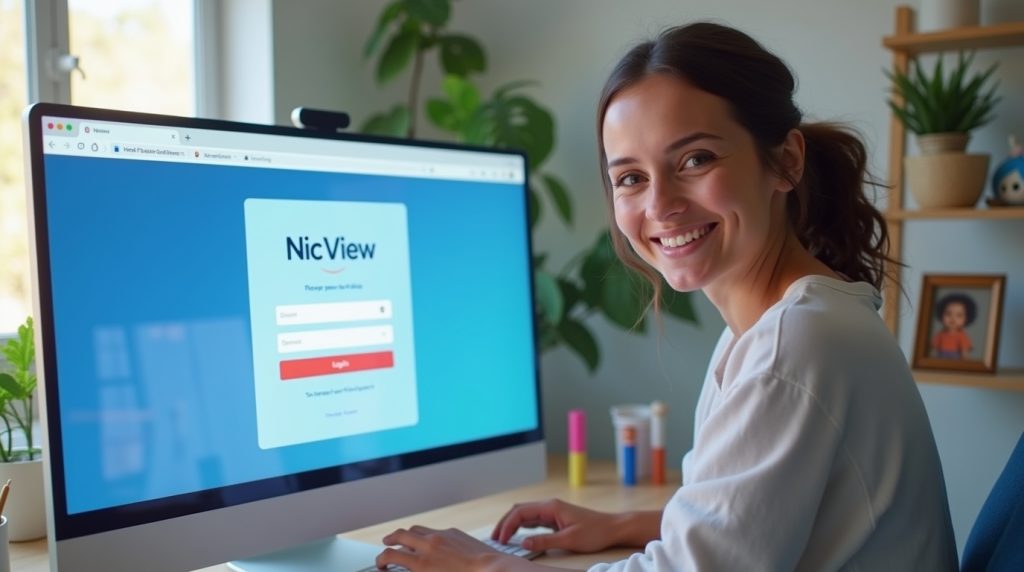
4. Enter Your Credentials
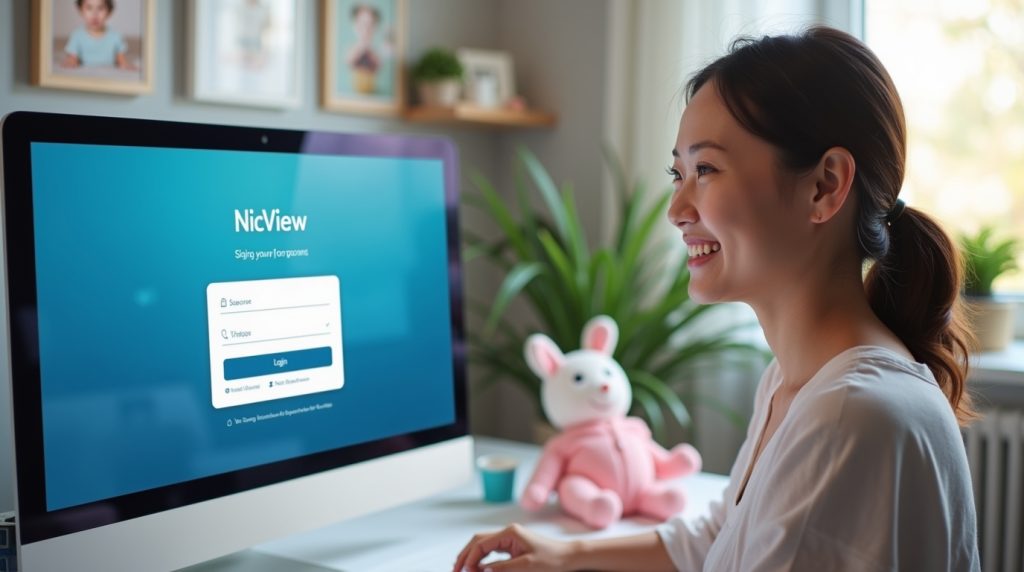
Type in your username and password exactly as provided. After the first login, some systems may ask you to confirm one‑time consent on new devices.
5. Start Watching Your Baby Live
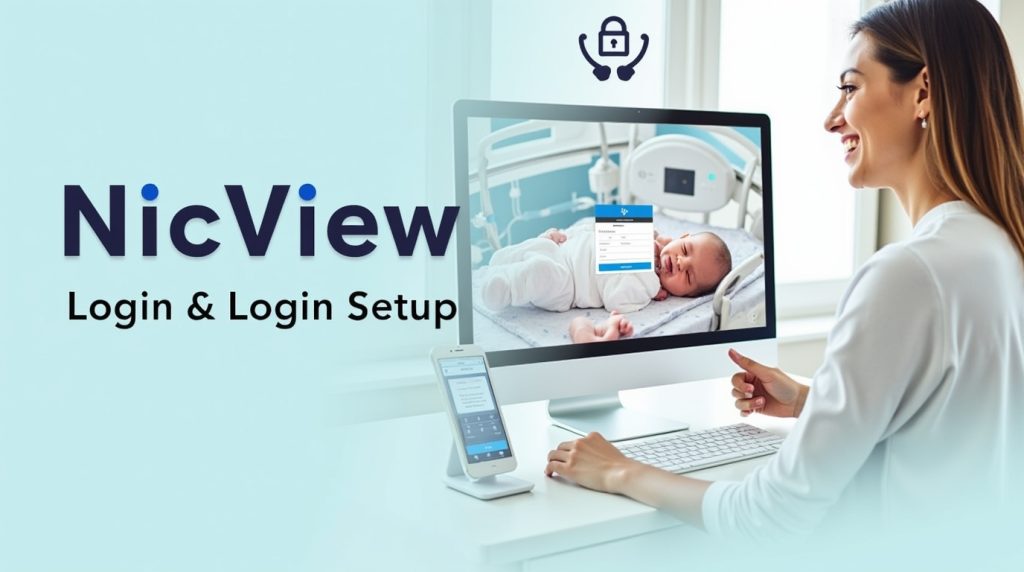
Once logged in, you should see a live stream from the camera. If the camera is offline because of medical care or repositioning, you might see an offline message. Just check back soon.
Using the NicView App
In addition to the browser portal on https /www.nicview.net, many families prefer the app. This app makes it easier to access your baby’s stream on mobile devices. Depending on your hospital’s setup, the app may be available for Android and iOS.
To use the app:
- Search your phone’s app store for NicView or the NicView family app.
- Install the application on your smartphone or tablet.
- Open it and enter your username and password when prompted.
- Follow the app’s quick setup prompts to secure access.
Once logged in, you can switch between cameras if your hospital supports multiple NICU views or monitors.
Understanding Camera Availability
NicView cameras are helpful, but they don’t replace direct care. You might see the feed go offline for reasons like:
- A nurse or doctor is performing care.
- Blankets over the incubator affect the camera view.
- Phototherapy or special lighting distorts the image.
These interruptions are regular and tied to the baby’s health needs. The system is designed as a support tool, not a continuous medical monitoring system.
How Much Does the NicView Camera Cost?
When families use NicView in the NICU, the costs they see can vary depending on the hospital’s policy. Many hospitals provide access and streaming at no direct charge to parents as part of their family support services.
At the equipment level, medical facilities that install cameras may face hardware and setup costs. Below is a simple overview of possible expenses:
| Cost Element | Typical Family Charge | Notes |
|---|---|---|
| Camera Streaming Access | $0 | Most hospitals provide this free to families. |
| Camera Hardware Cost (Hospital side) | Varies ($1,000–$2,000+ each) | Estimated equipment value; actual hospital pricing varies. |
| Full NICVIEW System Installation | Up to ~$50,000+ | Example total project cost, including infrastructure. |
| App Access | Free | App download and use doesn’t carry a fee for parents |
Summary: Parents typically don’t pay directly for access when their baby is in the NICU. The camera system itself involves costs that most hospitals absorb or include in their operational budgets.
Security and Privacy of the NicView System
One of the main concerns parents have when using streaming services is privacy. Here’s what keeps your baby’s stream safe:
- Encrypted connections. All streamed images are encrypted, similar to online banking, which protects user data from unauthorized access.
- Password‑protected accounts. Your unique credentials ensure only approved viewers can access the stream.
- No sound and no recording. These cameras do not record images or audio, thus minimizing the exposure of sensitive information.
If you think that somebody has accessed your stream without authorization, contact the NICU team in your hospital at once for help.
Common Issues and How to Fix Them
If you encounter any issues with the setup, here are some common troubleshooting steps:
- Camera Not Loading: Ensure that your internet connection is stable. If the camera feed isn’t loading, try restarting the app or refreshing the website.
- Forgotten Password: In case you forgot your username and password, you may use the password recovery option on the login page to reset your password.
- No Audio: NICU cameras will not have audio on every camera. Check with the hospital to ensure that it has audio streaming.
- App Not Working: When the app is not working properly, ensure that it is updated to the most recent version by going to your app store and updating it.
Conclusion
NicView is an application that offers parents a safe and real-time contact with their baby at the NICU. It enables the families to be emotionally in touch with each other even when they cannot be physically together. With the help of www nicview.net or the family app, you can monitor the well-being of your baby, and make it easy for parents to access their baby’s live feed anytime, anywhere.
The system focuses more on security through encrypted video feeds and password protection, whereby the feed can only be viewed by authorized users. With low or no parental costs, NicView remains a useful tool for families, giving them the confidence to leave their baby in critical care.
FAQs
To log in, use the username and password provided by the NICU team. Just visit https //nicview.net or https//www.nicview.net or open the app and input your credentials.
Yes, NicView is secure and has encrypted video feeds and password-protected access to ensure that only authorized users can access the live stream. It does not capture audio or video, which keeps your baby confidential.
This camera system is not available in every hospital. It is normally accessible in hospitals with NICU units that have collaborated with NicView. You may ask your hospital to ask whether they provide this service.
Contact your hospital’s NICU team or use the “Forgot Password” link on the login page. Support teams can help reset your credentials.
Yes, several people can watch the same camera feed, sharing the username and password. Only authorized people are allowed to view live.