Every day, businesses save the exact same files across multiple servers. This wastes valuable space and slows down the network. A Single Instance Store (SIS) can help here to optimize the IT budget and cut down data storage costs. Managing digital files across massive networks quickly eats up expensive disk space.
We break down the technical mechanics behind this technology so you do not have to guess how to optimize your infrastructure. A single instance store acts as a smart traffic cop for our data. Instead of saving the same file 1,000 times, the system saves exactly one copy and shares it.
Here is exactly how a single instance store works, why it matters for storage costs, and how it compares to other storage optimization techniques.
Key Takeaways
- A Single Instance Store (SIS) optimizes storage by keeping one master copy of identical files while replacing the others with reference links.
- SIS uses cryptographic hashing to identify duplicates, reducing storage costs significantly and improving efficiency.
- It operates in the background, maintaining users’ file access while cutting redundant data in systems, particularly in backups and cloud environments.
- SIS differs from block-level deduplication, focusing on entire files rather than chunks, offering moderate storage savings.
- Implementing SIS brings financial benefits, eliminating duplicate data that can cost businesses up to 25% of their revenue.
Table of Contents
Understanding Single Instance Store (SIS)
If you are asking yourself what single instance storage is, the answer comes down to basic efficiency. Single instance storage (SIS) is a form of File-Level Deduplication. It scans your systems to find identical files. When it spots duplicates, it keeps one master copy and replaces the rest with tiny reference links.
This process plays a massive role in reducing duplicate data in storage systems. A SIS operates transparently. Users still see their files exactly where they left them. Behind the scenes, the single instance store architecture ensures your physical hardware only holds unique content. This directly improves your Storage Efficiency Ratio and cuts your hardware expenses.
How Single Instance Store Actually Works
To understand how a single instance store works, you need to look at the process of creating digital fingerprints.
When a user uploads a new file, the single instance store system uses a cryptographic hashing algorithm. This creates a unique signature for that file. The system then compares this fingerprint against a database of previously stored files.
- If the fingerprint is new, the single instance store writes the file to a central repository, often called the Common Store.
- If the fingerprint matches, the single instance store creates a pointer to the existing file instead of writing new data.
This concept powers Content-Addressable Storage (CAS), where data is stored and retrieved based on its content rather than its physical location.
The Role of Hard Links and Smart Pointers
A single instance store relies on Reference Pointers to keep files accessible. When the system removes a duplicate file, it drops a hard link or smart pointer in its place.
These pointers trick the operating system into thinking the full file is still sitting in that specific folder. Because the physical file is shared, each user retains their own metadata. You can change your file permissions, rename the file, or move it without affecting the master copy held in the single instance store.
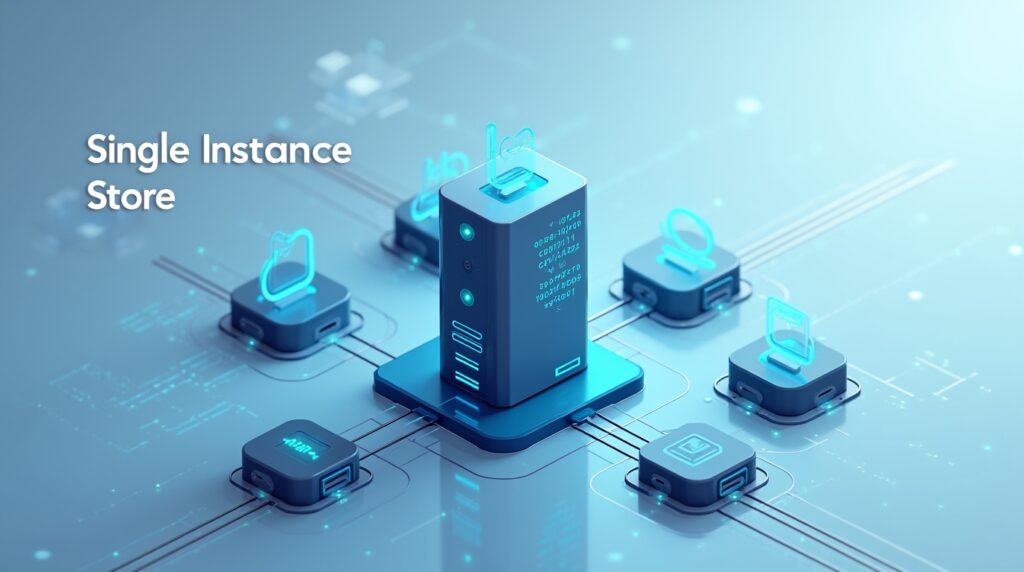
Single Instance Store in Cloud and Backup Systems
You will frequently find a single instance store in backup systems. Backup environments are notoriously redundant. If your company backs up 100 laptops, they likely all share the exact same operating system files.
A single instance of storage in enterprise backup limits this waste. By keeping only one copy of those core files, you reduce your storage footprint drastically. This allows for faster backup windows because you transmit less data over the network. When disaster strikes, having a streamlined SIS helps you achieve a much faster Restore Point Objective (RPO).
We also see single instance storage in cloud computing. Major cloud providers use an SIS to manage massive multi-tenant environments. When using Object Storage (S3/Azure Blob), cloud platforms rely on these mechanics to ensure storage efficiency in cloud environments remains highly profitable.
Windows Single Instance Store and Server 2016
IT administrators frequently ask how to install the Microsoft single instance store on Server 2016. The short answer is that you cannot do this natively using the legacy tools.
If you attempt a traditional single instance store install on a modern OS, you will find that the single instance store component is not installed. Microsoft deprecated the legacy single instance store filter in Windows Server 2012 R2 and completely removed it from Windows Server 2016.
So, what happened to the Server 2016 SIS? Microsoft replaced the legacy Windows SIS with a newer Data Deduplication role. This means a true single instance store 2016 setup configuration now uses block-level deduplication instead of the older file-level single instance store approach.
However, you can still read old volumes. If you migrate an older drive, the single instance store of that specific volume can still be read, but you must remove SIS before fully migrating the data.
SIS vs. Block-Level Deduplication
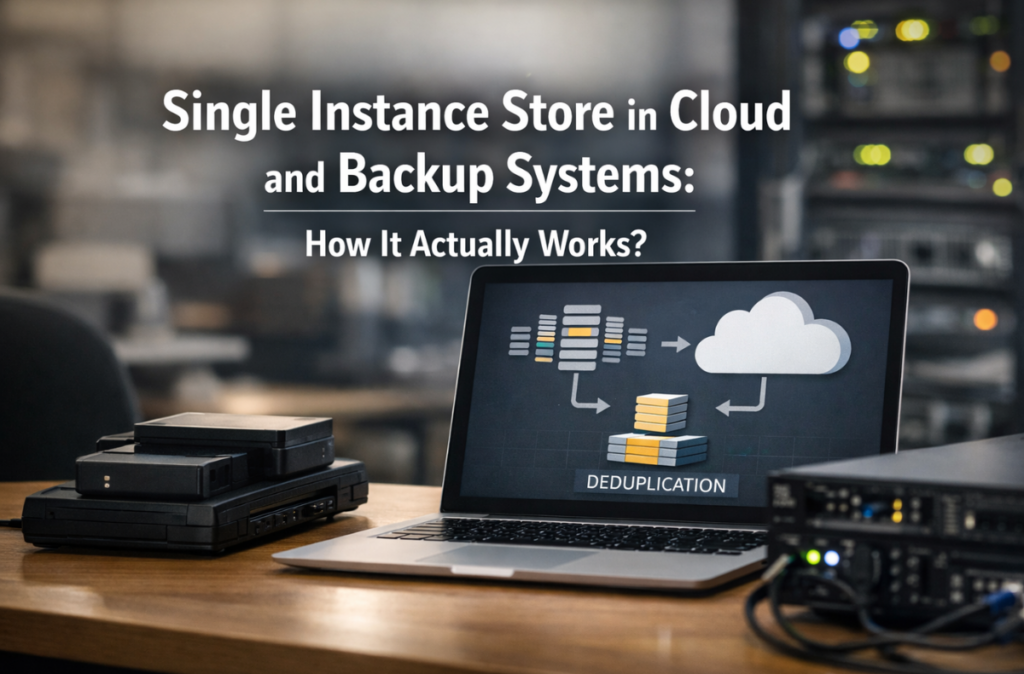
It helps to compare data deduplication vs single instance storage to see which fits your needs. While a single instance store works at the entire file level, block-level data deduplication breaks files into smaller chunks.
Here is a quick breakdown of how they compare:
| Feature | Single Instance Store | Block-Level Deduplication |
|---|---|---|
| Granularity | Entire file level (File-Level Deduplication) | Sub-file chunks (e.g., 32KB to 128KB blocks) |
| Processing Style | Often Post-Process | Post-Process vs. Inline Deduplication |
| Best Use Case | Identical email attachments, basic file shares | Virtual machines, databases, modified files |
| Storage Savings | Moderate (removes 100% exact matches) | High (removes identical parts of different files) |
Strategic Benefits for Enterprises
Implementing a single instance store brings immediate financial benefits. Research shows that managing unnecessary duplicate data costs companies up to 25% of their revenue. Good Data Lifecycle Management stops this leak.
You can clearly see the benefits of single instance storage when looking at historical email systems. Older platforms utilized a single instance message store to handle attachments. If you emailed a 10MB PDF to 100 employees, the SIS in email and file systems saved that PDF once. This prevented 1GB of wasted space on the server.
While single instance storage vs traditional storage clearly favors SIS for efficiency, traditional storage still acts as a baseline. A SIS simply adds a layer of intelligence on top.
Common Challenges and Solutions
No technology is perfect. Setting up a single instance store comes with a few technical hurdles.
- Hash Collision: Rarely, two different files might generate the exact same digital fingerprint. Modern SIS systems use advanced, highly complex algorithms to make a Hash Collision virtually impossible.
- Hydration/Rehydration: When moving data out of a SIS, the system must rebuild the full files. This Hydration/Rehydration process takes time and computing power.
- I/O Overhead: Constantly checking files against an SIS index requires disk reads and writes, creating I/O Overhead.
Legacy enterprise systems handled this in different ways. For example, a single instance store SCCM 2012 setup uses a specialized content library to map out file hashes perfectly. Older backup systems, like a single instance store DPM 2010 configuration, faced limitations with certain file types. Meanwhile, tools utilizing an SIS backup assist feature rely heavily on NTFS hard links to keep backups fast and reliable.
Implementation and Future Outlook
The single instance storage implementation in IT infrastructure continues to evolve. Modern storage relies heavily on advanced file systems like Microsoft’s ReFS. These systems utilize Copy-on-Write (CoW) and block cloning, which act as highly advanced versions of a single instance store.
We also see single instance store mechanics shifting to the cloud. Providers distribute data across different Storage Tiers (Hot/Cool/Archive). A SIS helps manage Incremental Snapshots, ensuring that only the unique, changed data moves into expensive hot storage.
As data volumes explode, having an SIS alongside block-level deduplication remains the best path forward.
FAQs
A single instance store is a storage technique that removes duplicate files. It saves one master copy of a file and replaces all other identical copies with a small reference link to save physical disk space.
They are similar but differ in scale. A SIS works at the entire file level. Data deduplication works at the block or sub-file level, meaning it can find duplicate data chunks even inside two different files.
No, Microsoft removed the legacy SIS feature in Windows Server 2016. You should use the newer Windows Data Deduplication role instead, which offers better performance and block-level savings.
For the end user, file access speed remains normal. The system uses pointers to instantly locate the master file in the SIS. However, heavy deduplication tasks running in the background can sometimes cause minor system overhead.
It shrinks backup sizes dramatically. By only storing one unique copy of each file, your backup software writes less data, transfers files faster over your network, and reduces your overall cloud or hardware storage bills.