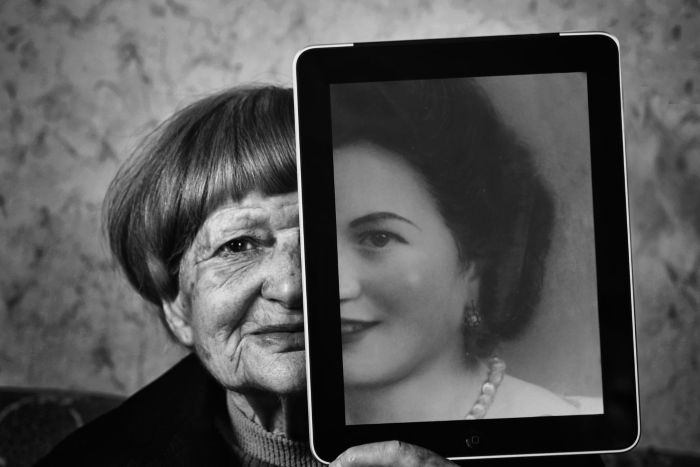
The old way of restoring photos—manual, slow, expensive—is over. Artificial intelligence has turned it into a fast, everyday service. Now, with just an app, you can repair tears, correct fading, and colorize black-and-white images in moments. The trick is knowing which photo restoration app to choose.
We’re comparing three leading options here, detailing their strengths and ideal uses to help you get the best results for your specific photos.
Key Takeaways
- AI has revolutionized photo restoration, making it quick and accessible with just an app.
- Choose a photo restoration app that prioritizes authenticity and offers natural color correction.
- Three leading photo restoration apps compared are Renew Photo, RetroFix, and Remini, each with unique capabilities.
- AI tools now restore images rapidly while understanding content, adding realistic color, and intelligently repairing damage.
- Modern photo restoration apps allow anyone to fix old photos easily, focusing on the specific needs of each image.
Table of contents
How to Choose a Photo Restoration App That Preserves Authenticity
You want your old photo back, not a glossy fake. A good restoration tool balances repair with authenticity.
- Natural color > vibrant color. It should add plausible tones, not make a 1940s suit look electric blue.
- Detail is key. Reconstructed faces and objects should look believable, not AI-generated.
- Avoid the “waxy” look. Overly smoothed skin and surfaces are a dead giveaway of poor AI.
- Match the tool to the job. An app great for scratches might fail on water damage.
- Keep the history. Sometimes a slight fade or grain is part of the photo’s story.
Think about what you’re trying to achieve before you pick an app.
Top AI Photo Restoration Apps Compared
How do the best photo restoration apps stack up? We’ve compared three popular platforms to show you how they work differently and what each one does best. Use this to help you decide.
1. Renew Photo
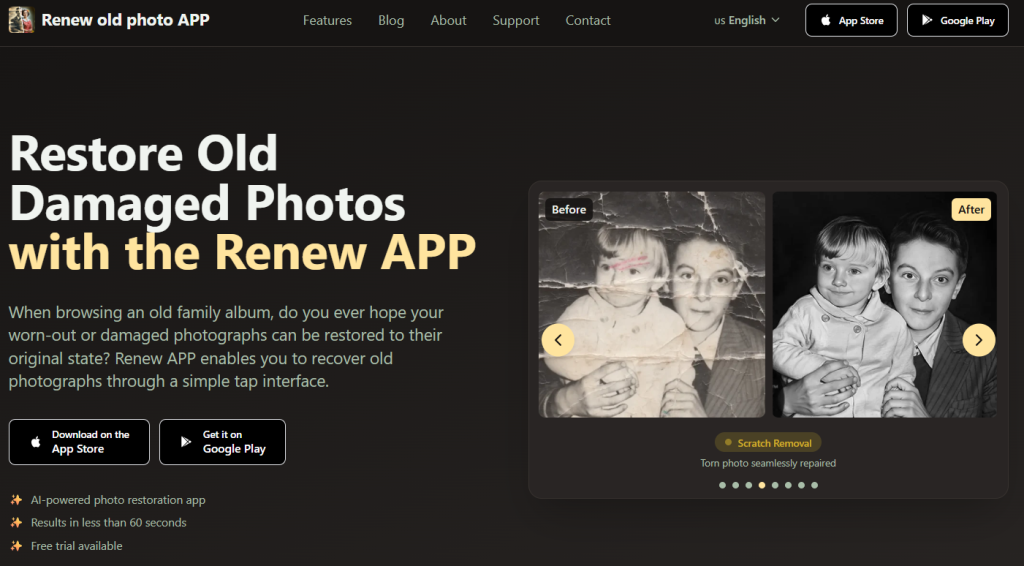
Breathe new life into your precious memories. Renew Photo uses advanced artificial intelligence to restore, enhance, and preserve your old and damaged photographs instantly. From faded colors to tears and scratches, the technology expertly revives your images while maintaining their authentic character.
Key Capabilities:
- Restoration: Fixes tears, fading, and general damage.
- HD Enhancement: Sharpens the photo and clears up fuzzy backgrounds.
- Colorization: Adds realistic color to black-and-white pictures.
- Quick Repair: Removes scratches, dust, and cracks instantly.
- Lighting: Fixes photos that are too dark or washed out.
- Animation: Creates slight movement from a single, still image.
Why Choose Renew Photo?
Renew Photo is designed to be straightforward. It makes a technical task simple for anyone. The app is smart—its AI was trained on a huge library of actual old photos. This lets it rebuild missing pieces and colors correctly. The results look natural, not fake or over-edited.
The interface is easy to navigate. You can get a professionally restored photo in less than a minute, with no expertise needed. It’s a reliable tool that gets the job done well without complicating things.
How It Works
- Pick a Task. Select colorization, repair, or general enhancement.
- Upload Your Image. Add the old or damaged photo.
- Let the AI Work. The system analyzes and fixes the image automatically.
- Check the Results. Use a simple slider to compare before and after.
- Save or Share. Download a high-resolution file or share it directly.
Renew focuses on preserving personal history quickly and affordably. It handles everything from childhood pictures to old wedding photos securely and privately. The service has already restored over one million images, usually in under 60 seconds, making photo restoration an easy process for anyone.
2. RetroFix
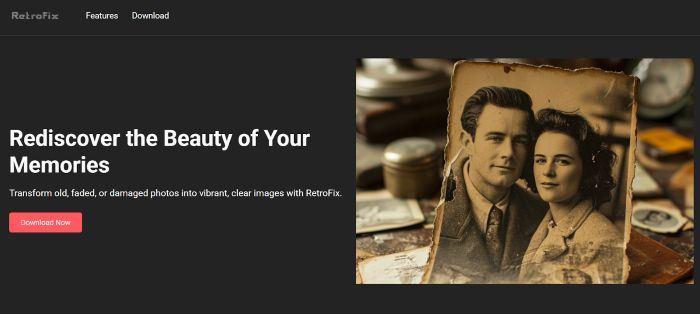
Restore your cherished old photos. RetroFix is a dedicated platform that uses specialized AI to repair damage, restore lost colors, and enhance details. It goes beyond filters to intelligently reconstruct faded or torn areas, transforming worn photographs into clear, vibrant images you can share and enjoy again.
Key Capabilities:
- Fix damage: Repair tears, scratches, and creases.
- Clean them up: Remove yellowing, fading, and stains.
- Restore detail: Sharpen blurry or grainy areas and rebuild lost details.
- Adjust lighting: Fix photos that are too dark, too bright, or uneven.
- Add color: Bring black-and-white photos to life with realistic, period-appropriate color.
Why Choose RetroFix?
What makes RetroFix worth using? It’s built for real restoration, not heavy-handed makeovers. The AI recognizes what’s actually in your photo—people, places, the look of old film—and repairs damage while preserving all that. Faded colors come back. Scratches disappear. Nothing feels artificially perfect.
You’ve got straightforward controls to adjust exposure, sharpness, whatever needs a nudge. The whole thing feels clean and direct, and you end up with results that could pass for work done by a pro restorer.
3. Remini
This tool transforms poor-quality images into clear, high-definition versions. Its AI focuses on reconstructing detail and improving clarity. It works on old photos, modern pictures, and video footage. You get professional-looking results instantly with a single click.
Key Capabilities:
- Restoration: Repairs damage and fading in old photos.
- De-blur: Makes blurry pictures sharp and clear.
- Face Enhancement: Intelligently improves faces in any photo.
- Video Fix: Enhances clarity and sharpness in videos.
- Upscaling: Enlarges images without quality loss.
- Portrait Maker: Creates studio-quality portraits from selfies.
Why Choose Remini?
Remini specializes in creating ultra-sharp, highly detailed results. Its AI is built to handle faces and groups with impressive accuracy, making it very effective for portraits and photos with multiple people. You get a clear, high-definition transformation almost instantly with just one tap. It simplifies high-end editing into a quick, automated step for both photos and videos.
Additionally, Remini works as a general quality fixer. It cleans up grain, reduces noise, fixes bad lighting, and improves resolution. This makes it useful not just for old photos, but also for sharpening new images for social media or professional projects. The app can even turn a basic selfie into a realistic, studio-quality portrait.
How AI Is Changing Photo Restoration
Restoring photos used to be a real chore. You had to be an expert with expensive tools, spending forever on tiny details. Most people couldn’t do it themselves. Now, AI takes over the difficult, time-consuming parts. The change isn’t just convenient—it’s completely transformed the process.
So, what’s really changed? A few key things:
- It’s fast: Tasks that used to take hours are now done in seconds.
- It understands what it’s seeing: The tech can tell the difference between skin, sky, and fabric, and fixes each one appropriately.
- Color is realistic: Black-and-white photos get color based on real-world examples, not just a single wash of color.
- It can rebuild missing parts: The AI can fill in heavily damaged or torn sections intelligently.
- It’s accessible: This is now a simple app. You don’t need training or expensive software.
The AI has learned from millions of photos, so it makes smart choices—like removing a scratch but keeping a freckle. This means professional-grade restoration isn’t a special service anymore. It’s a tool anyone can use to fix an old photo in moments.
Conclusion
Modern AI tools have made fixing old photos way more accessible. No longer stuck with pros only, today’s photo restoration apps are easy to use. It really depends on the photo’s condition and what you want out of it. Go for minimal changes if authenticity is key. Or rebuild details if parts are gone. Maybe just clean it up and boost contrast. Pick based on the specific issues, like tears or stains, and the subject matter. That way, the restored version works well and still honors the original.