Playing most viral console games on a PC or mobile device is a favorite hobby for many gamers. Thousands of players search for Nintendo Switch ROMs every day to enjoy better graphics, use custom controllers, or preserve their physical game cartridges from wear and tear.
However, the ecosystem of console emulation is complex. Finding a safe Nintendo Switch ROM archive requires navigating a minefield of legal warnings, malware threats, and confusing software requirements. Recently, major lawsuits have completely changed how players access and use emulator software.
I reviewed the legal guidelines and technical requirements so you don’t have to. Here is a breakdown of exactly what you need to know about Nintendo eShop titles, emulator setups, and the safest ways to manage your digital library.
Key Takeaways
- Searching for Nintendo Switch ROMs involves legal and security risks; unauthorized downloads can lead to copyright infringement and malware exposure.
- Understand NSP and XCI formats to manage Nintendo Switch ROMs effectively; NSP is easier to handle while XCI is a complete copy of cartridges.
- Emulators like Ryujinx require powerful hardware to run Nintendo Switch ROMs smoothly; insufficient specs can cause performance issues like stuttering.
- To play games legally, players must dump their own Nintendo Switch game data using compatible hardware and software tools.
- The Nintendo eShop is the safest platform for downloading games, ensuring security and legal compliance for your Nintendo Switch ROMs.
Table of contents
- What Are Nintendo Switch ROMs?
- Technical Facts About Nintendo Switch ROM Files
- How Nintendo Switch Emulators Work
- Hardware Requirements for Smooth Switch Emulation
- Emulator Compatibility and Popular Software
- Nintendo Switch Emulation and DRM Explained
- Legal Risks of Getting Nintendo Switch ROMs
- DMCA Takedowns and ISP Warnings
- How to Dump Nintendo Switch Games Legally
- Risks of Getting Nintendo Switch ROMs From Unofficial Sites
- The Role of the Nintendo eShop
- The Nintendo Switch Homebrew Community
- Future of Nintendo Switch ROMs and Game Compatibility
- Balancing Game Preservation With Safe Gaming
- FAQs
What Are Nintendo Switch ROMs?
When you start researching how to play console games on a computer, you will quickly encounter confusing file names. Understanding the differences between NSP and XCI formats is the first step to safely managing ROMs.
Nintendo Switch ROMs are digital copies of software data found on physical cartridges or the digital eShop. Players use these files to run games on different hardware or back up their physical collections. When you extract a game from its original source, you generate specific Switch ROM file formats.
There are two primary formats you will encounter when discussing Nintendo Switch ROMs:
- Nintendo Switch NSP files: NSP stands for Nintendo Submission Package. It represents digital games downloaded directly from the official Nintendo eShop.
- Nintendo Switch XCI files: XCI stands for NX Cartridge Image. It is a full 1:1 copy of a physical Nintendo Switch cartridge.
When comparing NSP vs XCI, both formats serve the same purpose for emulation. However:
- NSP files are usually smaller and easier to manage
- XCI files contain complete cartridge data
- Both formats work on modern Switch emulators
Understanding these formats helps players organize their Switch ROM collections more efficiently.
Technical Facts About Nintendo Switch ROM Files
Let’s look at the technical data behind Nintendo Switch ROMs. File sizes vary widely by game and directly affect storage requirements.
| Feature | NSP (Nintendo Submission Package) | XCI (NX Card Image) |
|---|---|---|
| Origin Source | Nintendo eShop | Physical Cartridge |
| Typical Size | Varies (1GB to 32GB+) | Fixed to cartridge capacity (up to 32GB) |
| Update Mechanism | Separate update files required | Updates can be merged into a base file |
| Certificate | Bound to the user account/console | Bound to a unique cartridge ID |
How Nintendo Switch Emulators Work
A Nintendo Switch emulator translates the console’s unique system code so it can run on a standard PC or mobile device. This process requires significant computing power because your computer must simulate the console’s architecture in real time.
If you plan to follow a Nintendo Switch emulation guide, you will quickly notice that emulator performance requirements are high.
Players frequently encounter the following common emulator performance challenges:
- Shader stuttering when the emulator compiles graphics on the fly
- Heavy CPU and GPU usage during gameplay
- Large memory requirements for modern 3D games
Because of these challenges, hardware plays a critical role in the performance of Switch emulation.
Hardware Requirements for Smooth Switch Emulation
Switch emulator compatibility depends entirely on your computer’s hardware. Emulating a modern console requires a powerful processor and graphics card.
For years, the Yuzu emulator setup was the most popular option for PC and Android users playing Nintendo Switch ROMs. However, after a $2.4 million legal settlement in March 2024, Yuzu was officially shut down.
Today, most players rely on Ryujinx or emerging emulator projects.
If your PC does not meet the minimum requirements, you will experience:
- severe shader stuttering
- audio lag
- emulator crashes
Here are the hardware specifications you need to achieve smooth gameplay with your Nintendo Switch ROMs.
Minimum System Requirements:
| Hardware Component | Minimum Specification | Expected Performance |
|---|---|---|
| CPU | Intel Core i5-4430 or AMD Ryzen 3 1200 | 30 FPS at 720p |
| GPU | NVIDIA GeForce GT 1030 or AMD Radeon RX 550 | Low-end graphic processing |
| RAM | 8 GB | Frequent stuttering on large games |
| Storage | Standard HDD | Slow load times |
Recommended System Requirements:
| Hardware Component | Recommended Specification | Expected Performance |
|---|---|---|
| CPU | Intel Core i5-10400 or AMD Ryzen 5 3600 | 60 FPS at 1080p |
| GPU | NVIDIA GeForce GTX 1650 or AMD Radeon RX 5500 | Smooth graphic rendering |
| RAM | 16 GB | Stable gameplay for 3D titles |
| Storage | SSD | Fast load times |
Looking ahead, the community is already speculating about the hardware needed for a potential Nintendo Switch 2 ROMs era. While the format does not yet exist, future emulators will likely require even stronger processors and more RAM.
Emulator Compatibility and Popular Software
Several emulator projects allow Nintendo Switch ROMs to run on PCs or mobile devices.
| Emulator Software | Primary Operating Systems | Key Hardware Requirement |
|---|---|---|
| Ryujinx | Windows, Linux, macOS | Vulkan/OpenGL, Multi-core CPU |
| Yuzu (Discontinued) | Windows, Linux, Android | Vulkan/OpenGL, Multi-core CPU |
| Egg NS | Android (Requires specific controllers) | Snapdragon 855+ or higher |
Note: You must use legally obtained Nintendo Switch ROMs and keys to run any emulator.
Nintendo Switch Emulation and DRM Explained
To run Nintendo Switch ROMs, emulators require special decryption keys extracted from an actual console.
Nintendo uses Digital Rights Management (DRM) to prevent unauthorized copying.
Product Keys (prod.keys)
These cryptographic keys decrypt the main game files, allowing the emulator to read ROM data.
Firmware and Title Keys
These keys allow emulators to:
- Read Switch firmware
- Decrypt game updates
- Launch individual titles
Without these keys, Nintendo Switch ROMs will not boot in emulator software.
Legal Risks of Getting Nintendo Switch ROMs
The legal issues surrounding game ROMs are strict and actively enforced.
Downloading copyrighted Nintendo Switch ROMs from the internet is considered copyright infringement.
Nintendo Copyright Enforcement
Nintendo aggressively protects its intellectual property.
For example:
- The developers of Yuzu (Tropic Haze) agreed to a $2.4 million settlement in 2024.
Major ROM Site Lawsuits
ROM hosting websites have faced severe penalties.
Examples include:
- ROMUniverse, which received a $2.1 million judgment
- Forced shutdown of multiple ROM distribution sites
DMCA Takedowns and ISP Warnings
Getting ROMs from unauthorized sites can result in:
- DMCA takedown notices
- ISP warnings
- legal penalties
How to Dump Nintendo Switch Games Legally
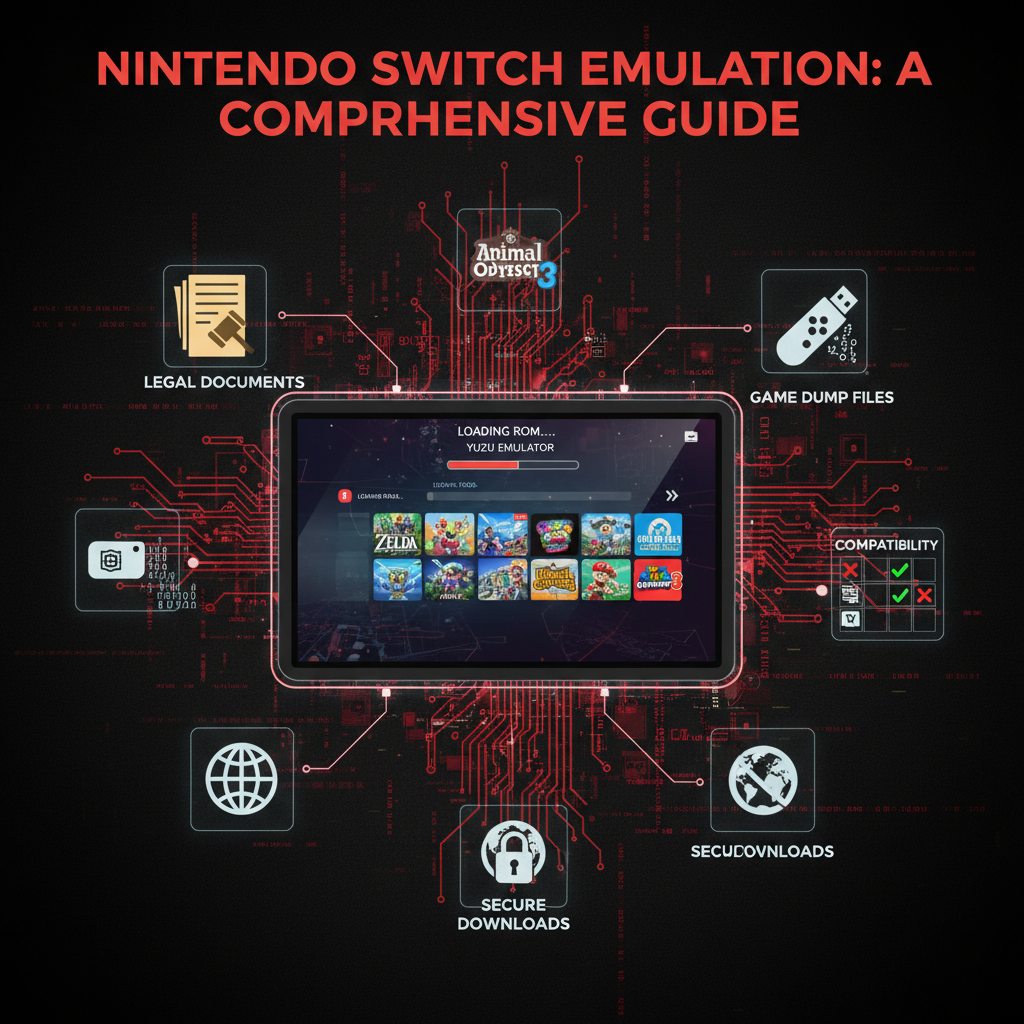
Creating your own personal-use backup is the only legitimate way to obtain Nintendo Switch ROMs.
A personal backup involves extracting the game data directly from a purchased cartridge.
To dump our own games, we need:
- A modded Nintendo Switch console
- SD card with Homebrew Launcher
- Atmosphère custom firmware
- A ROM extraction tool like NXDumpTool
Here is the step-by-step process to dumping Nintendo Switch Games.
- Check if your console is an early, unpatched model
- Install Homebrew Launcher using an SD card
- Run Atmosphère CFW
- Launch NXDumpTool
- Extract the cartridge data
- Verify ROM integrity
Keep all backup files stored locally and never upload or distribute them online.
Risks of Getting Nintendo Switch ROMs From Unofficial Sites
Searching for ROM online exposes users to major security threats.
Malware and Fake Files
ROM files from unofficial sources often contain:
- bundled malware
- spyware
- malicious executable files
Users searching for titles like:
- Sonic Frontiers ROM Nintendo Switch
- Nintendo Switch Sports ROM
- Dragon Ball Sparking Zero Nintendo Switch ROM
are frequent targets for malware distribution.
Nintendo enforces strict anti-piracy systems. Using unauthorized NSP files can result in a permanent console ban from online services.
Deceptive ROM Files
Many files are disguised as legitimate game files but actually install harmful software.
This risk applies across languages and search terms such as:
- descargar rom nintendo switch
- roms para nintendo switch
- nintendo switch romas
The Role of the Nintendo eShop
The Nintendo eShop remains the only official platform for getting digital Nintendo Switch games.
It guarantees:
- verified game files
- automatic updates
- secure data transfer
- safe download infrastructure
Bypassing the eShop to get ROMs compromises both our device security and the developers who created the games.
The Nintendo Switch Homebrew Community
The Nintendo Switch homebrew community actively experiments with the console’s hardware. By installing custom firmware such as Atmosphère CFW via the Homebrew Launcher, tech-savvy users unlock new functionality.
This environment allows developers to create Nintendo Switch ROM mods, test independent software, and build performance patches. While often associated with Nintendo Switch game ROMs, the true purpose of the homebrew community is to expand the device’s capabilities and push hardware boundaries.
Future of Nintendo Switch ROMs and Game Compatibility
With hardware evolving, many players wonder about the future of Nintendo Switch ROMs and physical cartridges.
In May 2024, Nintendo confirmed that Switch software will remain playable on its upcoming successor console.
This backward compatibility ensures:
- Physical cartridges will still work
- Digital eShop purchases remain usable
- Players will not need emulation for next-generation hardware
Because of this, searches for Nintendo Switch 2 ROMs are mostly speculative.
Balancing Game Preservation With Safe Gaming
Video game preservation remains a vital topic in technology. While Nintendo Switch ROM sites’ indexes might seem like an easy way to build a library, they violate copyright law and pose a risk to our digital security.
You protect your hardware by dumping your own games and avoiding an unsecured Nintendo Switch ROM archive. Stick to the Nintendo eShop for purchases, maintain your physical collections, and experiment with Nintendo Switch ROMs for Yuzu emulator platforms using only files you legally own.
FAQs
The only legal way to acquire Nintendo Switch ROMs is by dumping them from physical cartridges you have legally purchased using your own modded console. Getting them from unofficial websites violates copyright law.
If you legally extract your own copy of the game, you can run Nintendo Switch Sports ROMs on a PC emulator. However, you must extract your own console’s product keys to bypass the Digital Rights Management (DRM).
Yes, tools exist for mobile, and users often search for Nintendo Switch ROMs for Yuzu on Android or Egg on Nintendo Switch. However, running these games on a phone requires a highly powerful mobile processor and ample storage.
No. Searching for a Nintendo Switch ROMs megathread on forums exposes you to Malware and Executable Risks. Always use official sources to buy games.