
Ultra-light tablets have become valuable tools for individuals who need to work efficiently while away from a traditional workstation. Their compact build makes them easy to carry, allowing professionals, students, and frequent travelers to stay productive wherever they go. Despite their slim frames, many of these devices deliver strong performance, long battery life, and smooth multitasking capabilities. As a result, users can manage documents, attend virtual meetings, and handle essential tasks without sacrificing comfort or functionality.
Selecting the right light tablet requires careful consideration of several factors. Key elements include the operating system, screen size, battery capacity, processing power, storage, and overall cost. Build quality and brand reputation also play an important role, as they influence durability and long-term reliability. User reviews and product evaluations can provide additional context, helping buyers choose a model that aligns with their daily needs.
Key Takeaways
- Ultra-light tablets enhance on-the-go productivity with portability, performance, and long battery life.
- When selecting an ultra-light tablet, consider factors like operating system, battery capacity, and build quality.
- Performance, weight, size, and battery life are crucial for choosing an effective tablet for work tasks.
- Users should evaluate additional features like stylus support and screen technology for better usability.
- Comparing specifications side by side helps identify the best ultra-light tablet for your daily needs.
Table of Contents
Benefits of Ultra-Light Tablets for On-the-Go Productivity
Ultra-light tablets offer clear advantages for those who need mobility without compromising on essential features. Convenience is a primary benefit, as the lightweight design allows users to carry the device throughout the day without strain. Whether commuting, traveling between meetings, or working in public spaces, the portability of these tablets supports seamless productivity.
Their design also supports efficient task management. Many models include intuitive interfaces and tools that help users organize schedules, track responsibilities, and collaborate with colleagues. Cloud connectivity further enhances workflow continuity, ensuring that documents and applications remain accessible across devices.
In addition, modern ultra-light tablets often feature fast processors and optimized systems that handle everyday work tasks with ease. This reliable performance helps reduce interruptions and allows users to transition smoothly between applications. Combined with strong battery life, these features support long periods of uninterrupted work, making the devices suitable for individuals who frequently work outside the office.
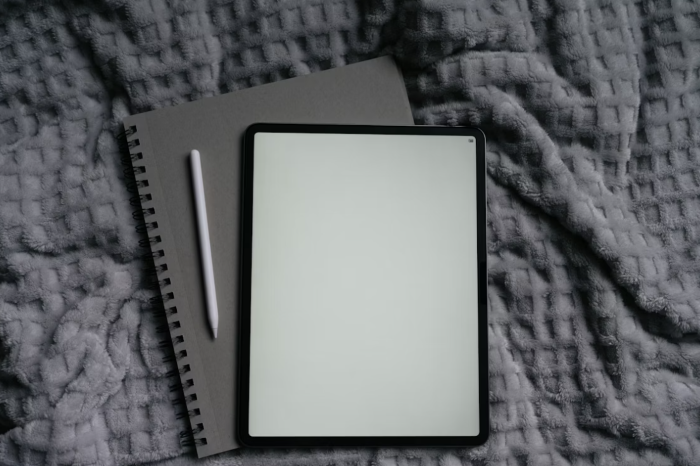
Factors to Consider When Choosing an Ultra-Light Tablet
Performance
Performance is one of the most important aspects to review when choosing a tablet. A capable processor, sufficient memory, and efficient software determine how well the device can handle multitasking, streaming, note-taking, and productivity applications. Individuals who depend on their tablets for work-related tasks should prioritize models that offer stable and consistent processing power. Smooth performance not only improves productivity but also reduces frustration caused by delays or unexpected slowdowns.
Weight and Size
Weight and size influence portability and comfort. Ultra-light tablets are designed to be slim and easy to handle, but different models vary in thickness and overall footprint. For users concerned about display quality issues like white spots appearing on a mobile screen, choosing a slightly larger model may improve visibility and make such imperfections less noticeable. A compact device is ideal for frequent commuters or travelers, while larger screens can offer a more comfortable typing or viewing experience. Choosing the right balance between portability and usability depends on individual preferences and intended use.
Battery Life
Battery life is crucial for anyone who spends long hours away from a power source. Devices with strong battery performance eliminate the need for frequent charging and support uninterrupted work sessions. Factors such as screen brightness, application usage, and background activity can affect battery duration, making it essential to consider real-world battery performance in addition to manufacturer estimates.
Operating System
The operating system shapes the overall user experience and determines application compatibility. Each platform offers different strengths in terms of customization, productivity tools, and ecosystem integration. Users should select an operating system that aligns with their workflow, preferred applications, and existing devices.
Extra Features
Extra features may enhance convenience and expand a tablet’s usefulness. Optional elements such as stylus support, detachable keyboards, biometric security, and enhanced display technology can improve productivity and overall user satisfaction. While these features are not essential for everyone, they may provide additional value depending on specific needs.

Comparison of Ultra-Light Tablets
When comparing ultra-light tablets, it is important to evaluate performance, dimensions, weight, battery life, operating systems, and additional features side by side. A detailed comparison highlights differences that may not be clear at first glance, helping individuals determine which model aligns best with their daily activities. This approach ensures that the chosen device provides the right balance of mobility, efficiency, and practicality.
FAQs
Yes. Many ultra-light tablets offer strong processors, multitasking capabilities, and productivity features that support professional tasks such as document editing, video calls, and project management.
They can replace laptops for light to moderate workloads, but users handling complex software or heavy computing tasks may still prefer a full laptop.
Most tablets function well for several years, depending on build quality, software updates, and how they are used. Proper care and regular updates help extend their lifespan.